The best free Google Analytics alternatives are Cloudflare Web Analytics and Ahrefs Web Analytics, both free and cookie-free, plus Umami, which you can self-host for free or use on a free cloud plan of 100,000 events a month. If you want a polished privacy-friendly tool and can pay, Plausible starts at $9 a month and Fathom at $15. On WordPress, free plugins like Koko Analytics and Independent Analytics keep your stats on your own server.
All of them load far less code than Google. On November 9, 2026, we downloaded each tool’s standard tracking script and compressed them all the same way: Google’s GA4 tag came to 154 KB, while Plausible’s was 1.3 KB. Prices, free tiers and WordPress plugin status below were checked against each vendor’s own pages and the WordPress.org directory on the same day. We use Simple Analytics on SmartWP, and the Fathom and Simple Analytics links in this post are affiliate links.
- Free and cookie-free: Cloudflare Web Analytics, Ahrefs Web Analytics (up to 1 million events per project a month), Umami Cloud’s free plan (100,000 events a month) and Simple Analytics’ free plan (30 days of history).
- Free if you host it yourself: Umami, Plausible Community Edition, Matomo On-Premise and PostHog. On WordPress, Koko Analytics, Independent Analytics, Burst Statistics and WP Statistics keep stats in your own database.
- Paid privacy-first tools start at $6 a month (Pirsch), $9 (Plausible), $15 (Fathom), $20 (Simple Analytics and Umami Pro) and €22 (Matomo Cloud).
- On November 9, 2026, Google’s GA4 tag measured 154 KB gzipped. Plausible’s script was 1.3 KB, and every cookie-free tool here stayed under 23 KB.
- Microsoft Clarity and PostHog are free but set cookies by default, so they are not drop-in privacy replacements.
Quick comparison
| Tool | Free option | Paid from | Cookie-free | Self-host | WordPress plugin | Script (gzipped) |
|---|---|---|---|---|---|---|
| Google Analytics 4 (for comparison) | Free | GA4 360 (enterprise) | No | No | Site Kit by Google | 154 KB |
| Cloudflare Web Analytics | Free (10 sites without the Cloudflare proxy) | Free | Yes | No | No (paste the snippet) | 10.3 KB |
| Ahrefs Web Analytics | Free up to 1M events per project a month | Paid add-on for more | Yes | No | No (paste the snippet) | 2.7 KB |
| Umami | Cloud: 100K events a month. Self-hosting is free. | $20/mo (1M events) | Yes | Yes | Third-party only | 4.1 KB |
| Simple Analytics | Free plan, 30 days of history | $20/mo (100K pageviews) | Yes | No | Official | 4.8 KB |
| Matomo | Self-hosting and the WordPress plugin are free | €22/mo Cloud (50K hits) | Optional (cookie on by default) | Yes | Official (runs inside WordPress) | 22.2 KB |
| Plausible | 30-day trial. Community Edition is free to self-host. | $9/mo (10K pageviews) | Yes | Yes | Official | 1.3 KB |
| Fathom | 7-day trial | $15/mo (100K pageviews) | Yes | No | Official (not updated since Nov 2025) | 2.1 KB |
| Pirsch | 30-day trial | $6/mo (10K pageviews) | Yes | Enterprise only | Official (server-side, no JavaScript) | 3.5 KB |
| PostHog | 1M events and 5K session recordings a month | Usage-based | Optional (cookie on by default) | Yes | Third-party only | 120.5 KB |
| Microsoft Clarity | Free, no traffic limits | Free | No | No | Official (Microsoft) | 26.5 KB |
The best free Google Analytics alternatives
If “free” is the requirement, these are the options that stay free past a trial, in roughly the order I would try them:
| If you want | Use | The catch |
|---|---|---|
| Free hosted stats with no setup cost | Cloudflare Web Analytics | Basic reports only, and 10 sites unless your site is proxied through Cloudflare |
| Free hosted stats with longer history | Ahrefs Web Analytics | You must verify site ownership in an Ahrefs account |
| Open source you can run yourself | Umami or Plausible Community Edition | You maintain the server, updates and backups |
| A full GA-style suite for free | Matomo On-Premise or Matomo for WordPress | Heavier script, and a cookie unless you turn it off |
| No outside service at all | Koko Analytics, Independent Analytics, Burst Statistics or WP Statistics | Stats live in your WordPress database and use your server |
| Heatmaps and session recordings | Microsoft Clarity | Uses cookies, and needs consent signals for EU, UK and Swiss visitors |
Simple Analytics also has a free plan for up to five websites with unlimited pageviews, but it only keeps the latest month of data, so it works better as a tryout than as a permanent home.
Why switch from Google Analytics?
The first reason is page weight. Google’s tag is roughly 60 to 120 times the size of the smallest tools here, and it runs on every page view. If you are working on speeding up WordPress, the analytics script is an easy place to cut.
The second is consent. Google Analytics sets cookies, so in many countries it needs a consent banner, and visitors who decline aren’t counted. Most tools below say they work without cookies or personal data, which is why they advertise “no cookie banner needed” for their own tracking. Whether your site needs a banner still depends on your other scripts and your local law.
The third is simplicity. Since Google retired Universal Analytics in 2023, GA4 is the only version, and many site owners who just want pageviews, referrers and top pages find it hard to use.
1. Cloudflare Web Analytics
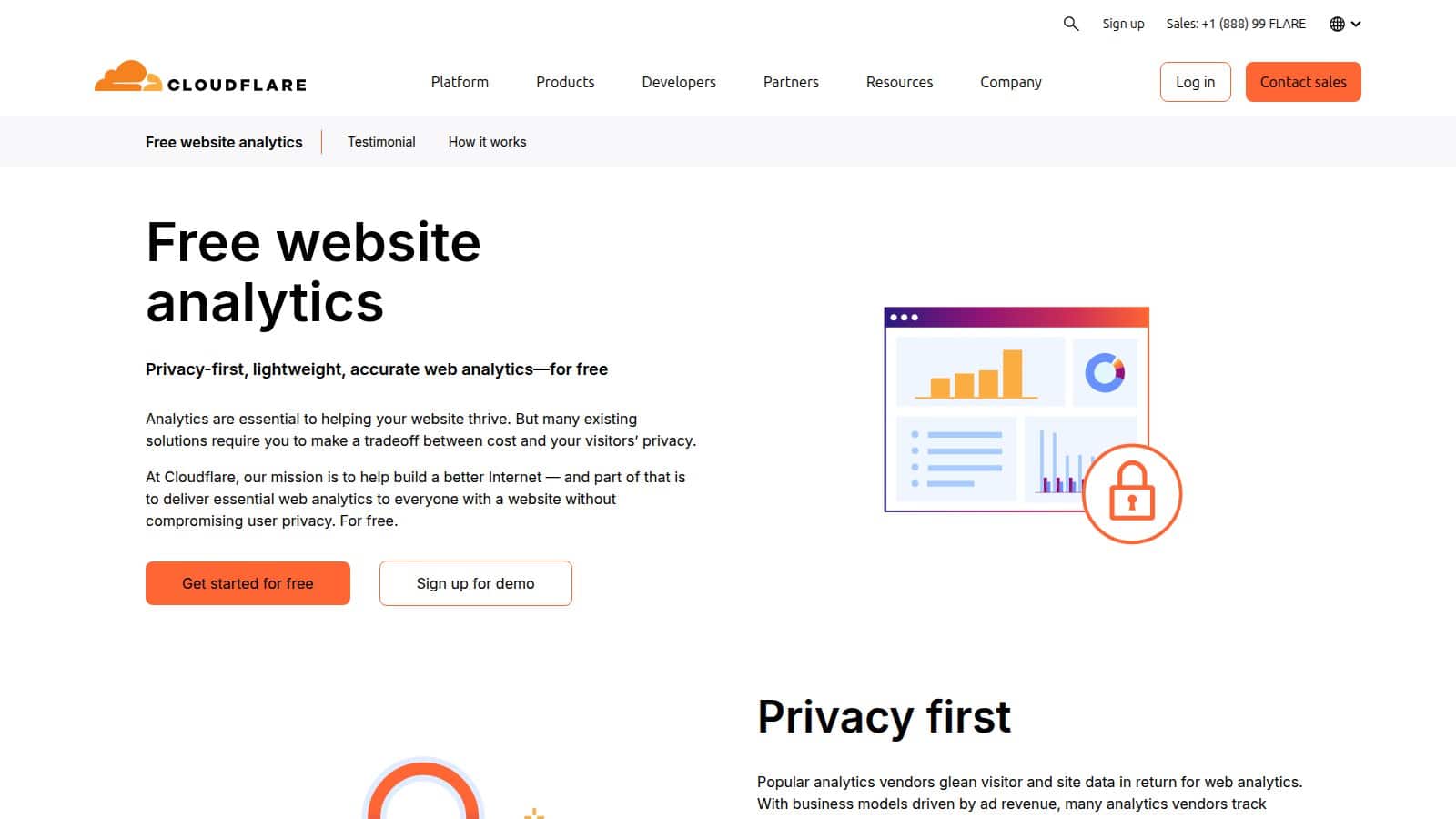
Cloudflare Web Analytics is free, and you don’t need to route your site through Cloudflare to use it. You can paste its JavaScript beacon into any site, or enable it from the Cloudflare dashboard if your site already runs through Cloudflare. The beacon measured 10.3 KB gzipped.
Cloudflare says it “does not use any client-side state, such as cookies or localStorage,” and doesn’t fingerprint visitors. There are two trade-offs. Its limits page caps you at 10 sites that aren’t proxied through Cloudflare (no limit for proxied sites), and the reports focus on traffic and Core Web Vitals, without the goals and funnels the paid tools offer.
On WordPress there is no dedicated plugin for it. The official Cloudflare plugin handles caching and APO, not Web Analytics, so add the beacon the same way you would any other script (see adding analytics to WordPress below).
2. Ahrefs Web Analytics
Ahrefs Web Analytics is a newer option and one of the most generous free tiers here. Ahrefs says it is “free for up to 1 million events per project each month” for websites with verified ownership, with unlimited historical data. Beyond that, a paid Web Analytics add-on raises the limits.
It is cookie-free (“No cookies. No IP addresses stored with analytics data,” per Ahrefs). Ahrefs advertises a 2 KB script; our gzip measurement of analytics.js came to 2.7 KB, still among the lightest here. You need a free Ahrefs account to verify the site, and there is no official WordPress plugin, so you paste the script tag.
3. Umami
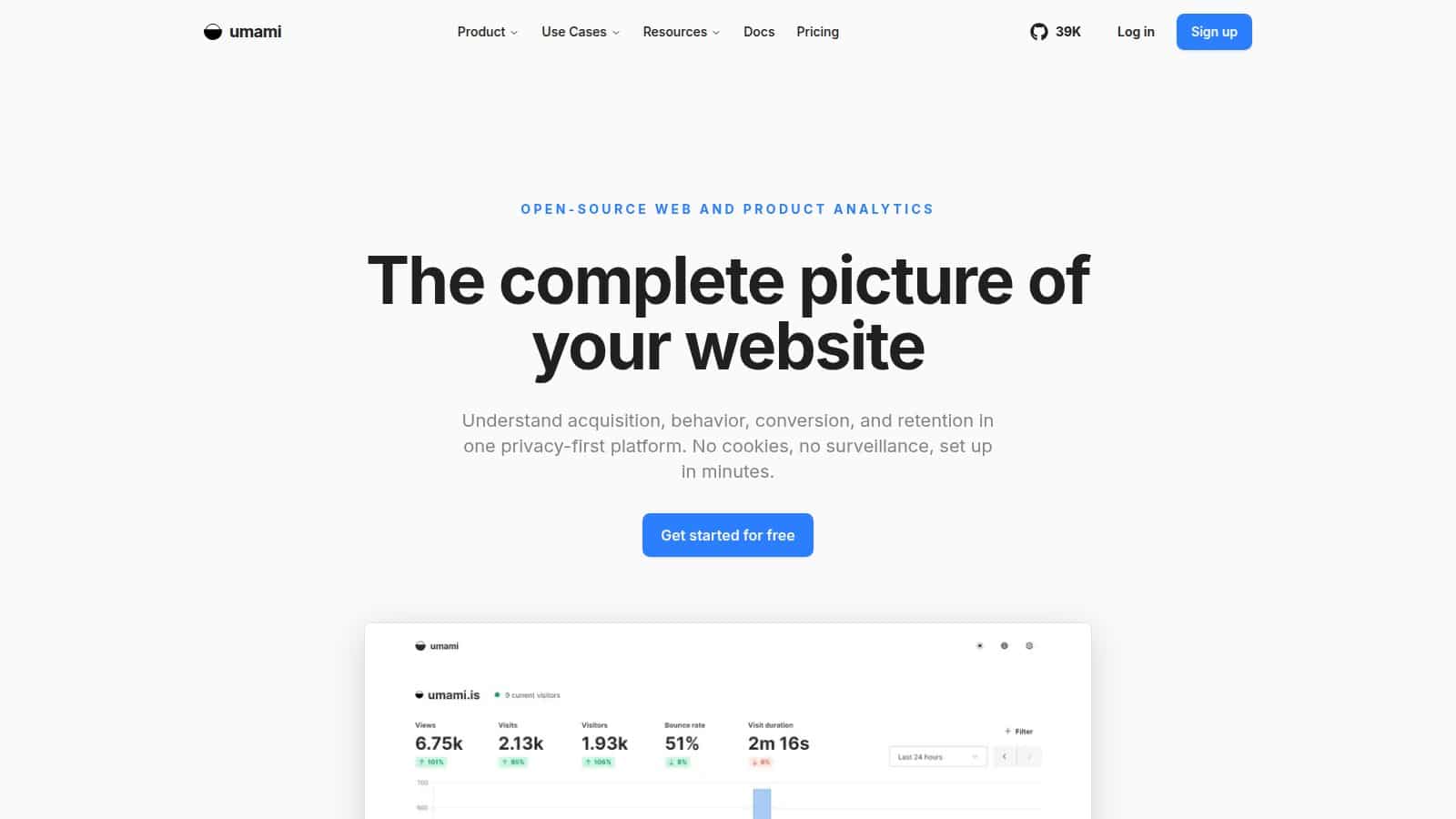
Umami is open source, so you can self-host it for free, and its script measured 4.1 KB gzipped. Umami says it “does not use cookies, does not collect personal data, and does not track users across websites.”
If you would rather not run a server, Umami Cloud’s free Hobby plan covers up to 100,000 events a month for one website, with six months of data retention. Pro is $20 a month for 1 million events, up to 20 websites and two years of retention. There is no official WordPress plugin; the third-party Integrate Umami plugin (2,000+ installs) adds the script for you, or you can paste the tag yourself.
4. Simple Analytics
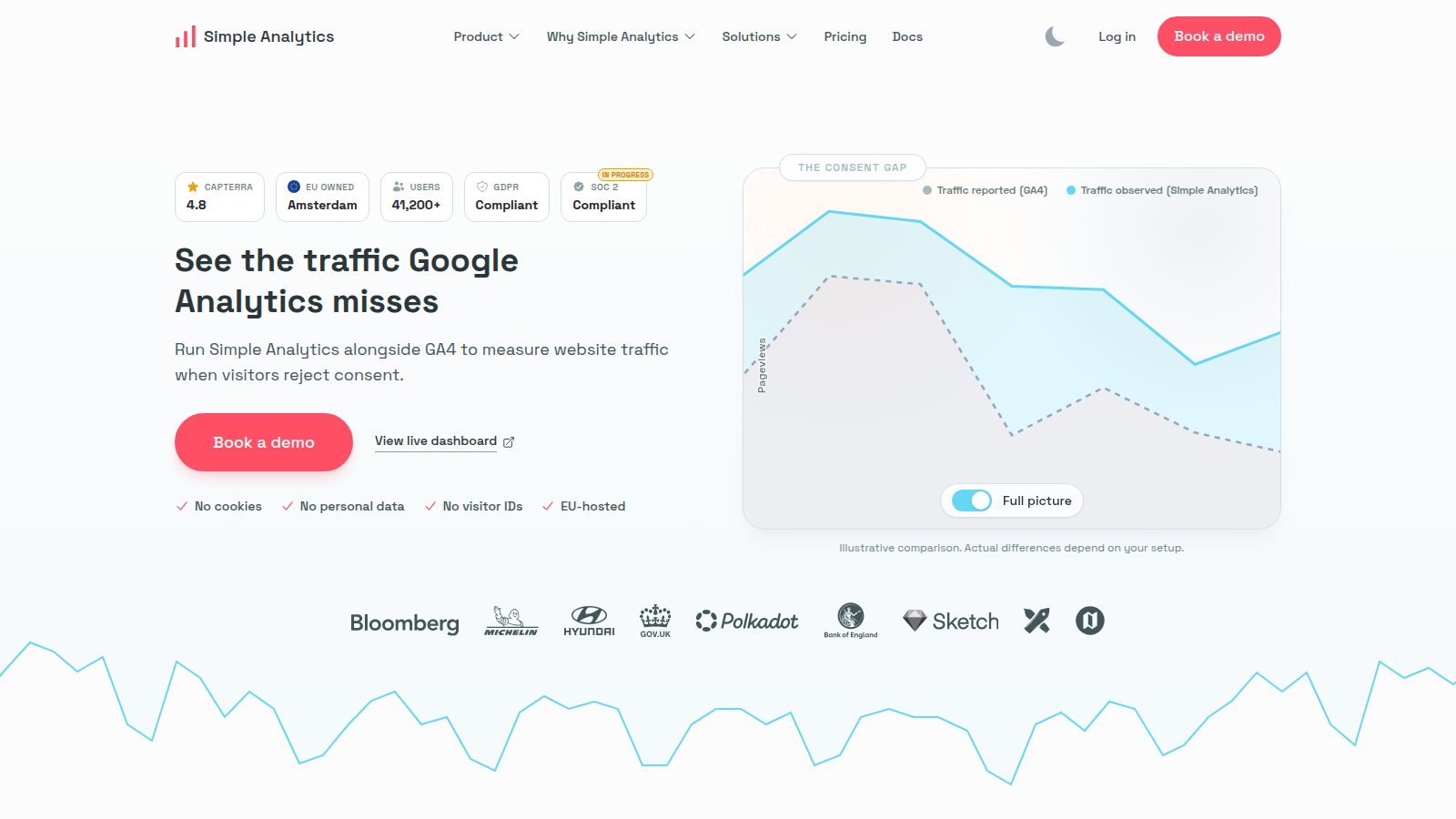
Simple Analytics is what SmartWP uses, served from our own subdomain. It is EU-hosted, its script measured 4.8 KB gzipped, and it says, “We do not use cookies and never collect information that could be used to fingerprint a user.”
It has a free plan with unlimited pageviews for up to five websites, but it only keeps the latest month of data. The paid self-serve plan starts at $20 a month for 100,000 pageviews, with two months free on annual billing. Simple Analytics also pitches running alongside GA4 to see the visitors Google misses when they decline cookies. Its WordPress plugin is maintained and tested with WordPress 7.1.

5. Matomo

Matomo is the closest thing here to a full Google Analytics replacement, with goals, ecommerce tracking and much deeper reporting than the lightweight tools. You can self-host the open-source On-Premise version for free, or use Matomo Cloud, which starts at €22 a month (excluding tax) for 50,000 hits, with a free trial that doesn’t need a credit card.
It is also the heaviest of the cookie-free options, at 22.2 KB gzipped for its standard matomo.js. Matomo uses a first-party visitor ID cookie by default, but you can turn cookies off with one line of tracking code, or with the Disable cookies setting in Matomo for WordPress. That free plugin runs Matomo inside your WordPress site, so there is no separate server to manage, and it has more than 100,000 active installs.

6. Plausible
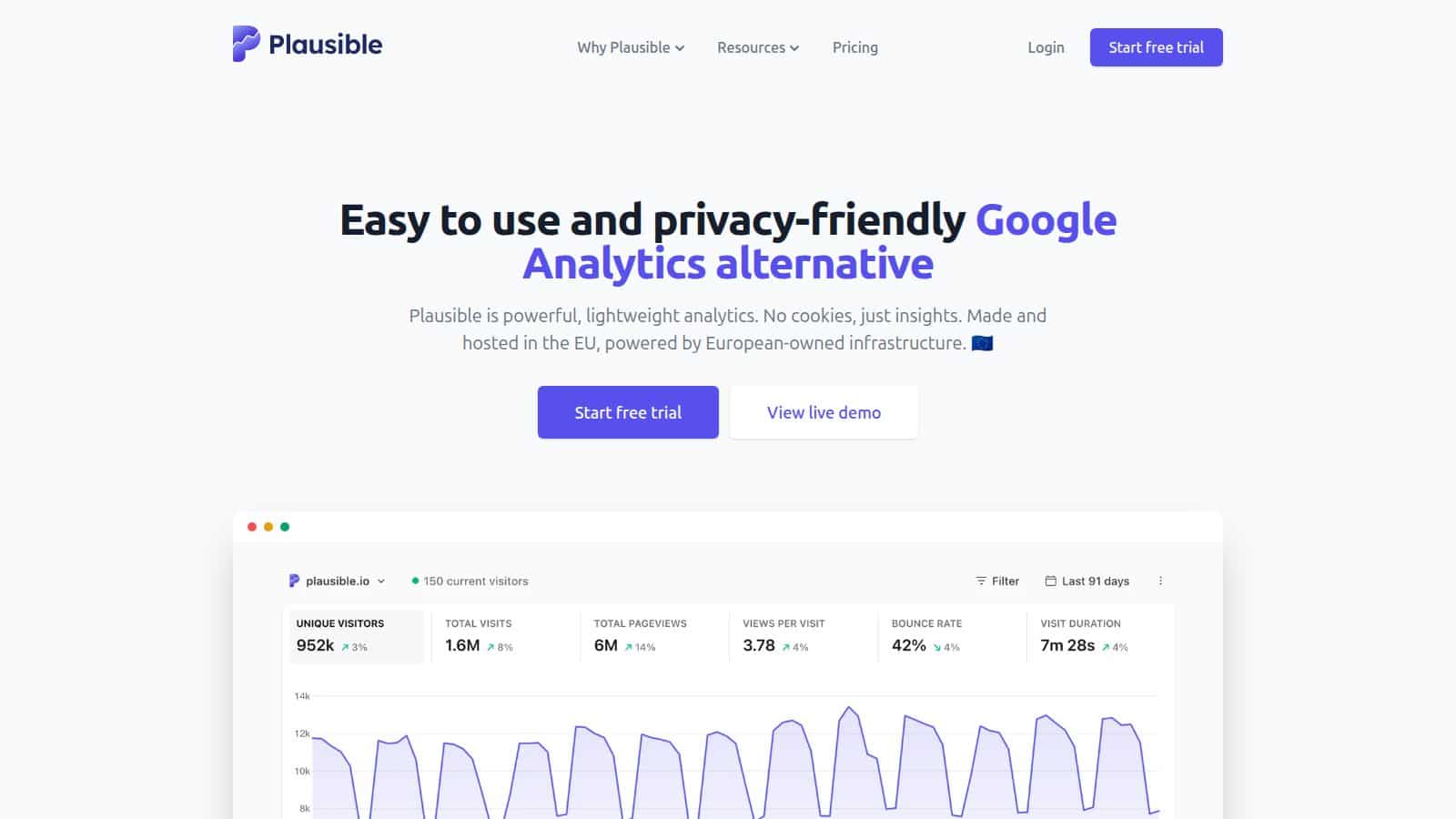
Plausible is a lightweight, open-source analytics tool hosted in the EU. Its standard script was the smallest we measured, at 1.3 KB gzipped. The dashboard is a single page covering visitors, pageviews, bounce rate, visit duration, sources, pages, locations and devices, with goals and custom events when you need them.
Plausible says it uses “no cookies, no persistent identifiers, no cross-site or cross-device tracking.” The Starter plan is $9 a month for up to 10,000 monthly pageviews, after a 30-day free trial. There is no free hosted plan, but Plausible Community Edition is free to self-host under the AGPL license. It gets releases about twice a year and leaves out funnels, ecommerce revenue goals and a few other cloud features. The official WordPress plugin adds the tracking script and is tested with WordPress 7.1.

7. Fathom
Fathom is a hosted, privacy-first analytics service. Its script measured 2.1 KB gzipped, and it covers the essentials: top pages, referrers, countries, browsers, devices and goals.
Plans start at $15 a month for up to 100,000 monthly pageviews across up to 50 sites, with a 7-day free trial, and Fathom lists “No cookie banners required” as a feature. There is no free plan. Its official WordPress plugin was last updated in November 2025 and lists WordPress 6.8 as the latest version tested, which is worth weighing (here is how to tell when a plugin is abandoned). Fathom works fine without it, since you can paste its script tag instead.

8. Pirsch
Pirsch is a cookie-free tool made and hosted in Germany, and the cheapest paid plan here at $6 a month for 10,000 pageviews, after a 30-day trial with no credit card. Instead of cookies it builds an anonymized hash from the visitor’s IP address, user agent and other data points.
Its WordPress angle is unusual. The official Pirsch Analytics plugin, published by the company behind Pirsch (Emvi Software GmbH), tracks pageviews from the server “without using JavaScript,” so nothing loads in the visitor’s browser. If you use the JavaScript snippet instead, pa.js measured 3.5 KB gzipped. Self-hosting exists, but only on the Enterprise plan.

9. PostHog
PostHog is a product analytics suite with a web analytics dashboard, session replay, feature flags and more. The free tier is large: 1 million events and 5,000 session recordings a month, with no credit card required, and usage-based pricing after that. It is also open source, with a free “hobby” Docker deployment you can self-host if you have a server with around 4 vCPUs and 16 GB of RAM.
It is not a lightweight or cookie-free tool out of the box. The default persistence setting stores IDs in a cookie and localStorage, and you need to switch it to memory to avoid both. Its array.js bundle measured 120.5 KB gzipped, close to GA4. There is no official WordPress plugin, only small third-party ones, so most sites paste the snippet. Pick PostHog if you run a web app and want product analytics, not just pageviews.
10. Microsoft Clarity
Microsoft Clarity is “free forever” with “no limits on traffic,” and it does something the others mostly don’t: heatmaps and session recordings that show where visitors click, scroll and get stuck. It complements a pageview tool more than it replaces one.
It is not privacy-first. Clarity sets cookies such as _clck and _clsk, and since October 31, 2025, Microsoft has required a valid consent signal for visits from the EEA, UK and Switzerland. Its script (clarity.js v0.8.77) measured 26.5 KB gzipped. Microsoft publishes the official plugin, which has more than 200,000 active installs and lists WordPress 7.0 as tested.

Analytics plugins that run inside WordPress
If you would rather not send data to any outside service, these free plugins store your stats in your own WordPress database. All four were updated within the last two months and are tested with WordPress 7.1.
- Koko Analytics (70,000+ installs) is minimal and privacy-focused. It can run without any cookies, and it processes no personal data.
- Independent Analytics (100,000+ installs) “does not use cookies, store personal data, or communicate with external servers,” according to its listing.
- Burst Statistics (200,000+ installs) keeps all stats on your server and has an option for cookieless tracking.
- WP Statistics (500,000+ installs) is the most established, with cookie-less tracking by default.
The trade-off is that every tracked visit writes to your database and runs on your server, which matters more on busy sites and cheap hosting than on a small blog.



How to add a Google Analytics alternative to WordPress
There are three ways to do it, and the right one depends on whether the tool has a maintained plugin.
Use the official plugin
Plausible, Simple Analytics, Matomo, Pirsch and Microsoft Clarity all publish maintained plugins, so installing one from Plugins > Add New Plugin is the simplest route. New to plugins? Here is how to install a WordPress plugin. For Fathom, check the plugin’s “Tested up to” version first, since it hasn’t been updated in a year.
Paste the snippet
Cloudflare, Ahrefs, Umami and PostHog give you a script tag to paste into your site’s head. A header-and-footer code plugin works, or you can add a tiny site-specific plugin like the one below. Avoid putting it in your theme’s functions.php, because tracking code in functions.php disappears when you switch themes.
<?php
/**
 * Plugin Name: Site analytics
 */
add_action( 'wp_head', function () {
	?>
	<!-- Paste the tracking snippet from your analytics dashboard here -->
	<?php
} );
Save it as a PHP file in wp-content/mu-plugins/ and it loads automatically on every page. Keep the defer or async attribute your provider includes, so the script doesn’t block rendering.
Keep the data on your server
Koko Analytics, Independent Analytics, Burst Statistics, WP Statistics and Matomo for WordPress store everything in your own WordPress database, so no visitor data goes to a third party. The Pirsch plugin takes a middle path: the data goes to Pirsch, but it is sent from your server, with no tracking script in the visitor’s browser.
Frequently asked questions
What is the best free alternative to Google Analytics?
For a hosted tool, Cloudflare Web Analytics and Ahrefs Web Analytics are both free and cookie-free; Cloudflare allows 10 sites unless they are proxied through Cloudflare, and Ahrefs allows 1 million events per project a month. Umami Cloud’s free plan covers 100,000 events a month, and Umami or Plausible Community Edition are free if you self-host. On WordPress, Koko Analytics, Independent Analytics and Burst Statistics are free plugins that keep your stats on your own server.
What is the best privacy-friendly alternative to Google Analytics?
Plausible, Fathom, Simple Analytics, Umami and Pirsch are the best-known cookie-free options, and all say they collect no personal data. Plausible had the smallest script in our test, at 1.3 KB gzipped. Fathom and Simple Analytics have polished hosted dashboards, Pirsch is the cheapest paid plan at $6 a month, and Umami is the best fit if you want open source you can self-host.
Do privacy-friendly analytics tools need a cookie banner?
Plausible, Fathom, Simple Analytics, Umami, Pirsch, Ahrefs Web Analytics and Cloudflare Web Analytics all say they don’t use cookies, and most of them say no banner is needed for their tracking. Your site may still need one for other scripts, such as ads or embeds, and the rules depend on where you and your visitors are. Microsoft Clarity and PostHog set cookies by default.
Is Microsoft Clarity a Google Analytics alternative?
Partly. Clarity is free with no traffic limits and adds heatmaps and session recordings, but it sets cookies and requires consent signals for visitors from the EEA, UK and Switzerland. Most sites pair it with a pageview tool rather than using it alone.
Can I run Google Analytics and an alternative at the same time?
Yes. Many sites run both while they compare numbers, and Simple Analytics promotes it as a way to see visitors who decline Google’s cookies. Just remember that you are then loading both scripts.
Which analytics script is the smallest?
In our November 9, 2026 measurement, Plausible’s standard script was the smallest at 1.3 KB gzipped, followed by Fathom (2.1 KB), Ahrefs Web Analytics (2.7 KB), Pirsch (3.5 KB), Umami (4.1 KB) and Simple Analytics (4.8 KB). Google’s GA4 tag was 154 KB.
Looking for more ways to tidy up your site? See our list of the best WordPress plugins.