
The best WordPress social image generators in 2026 automatically create branded Open Graph and Twitter card images for every post on your site, no manual design work required. The top picks: MightyShare (free WordPress.org plugin), Jetpack Social (built into Jetpack), and Bannerbear or Placid for teams that need an API-driven workflow.
If you’ve ever shared a blog post on X, LinkedIn, or Facebook and the preview image was your logo or, worse, a broken placeholder, you’ve felt the pain. Manually designing a unique share image for every post in Canva or Figma is fine for one-off launches but doesn’t scale to a content-heavy site, which is the case for automating the whole job.
The six plugins and tools below solve that problem: they generate the social share image automatically from your post’s title, featured image, and a branded template. Here they are, ranked by how well they fit a typical WordPress workflow.
- Social image generators automatically create branded Open Graph and Twitter card images for every post, with no manual design.
- For WordPress, MightyShare and Jetpack are the easiest plugin options; Bannerbear and Placid suit API-driven workflows.
- The standard share image size is 1200×630, the Open Graph default.
- These tools integrate with SEO plugins like Yoast and Rank Math to set the right image automatically.
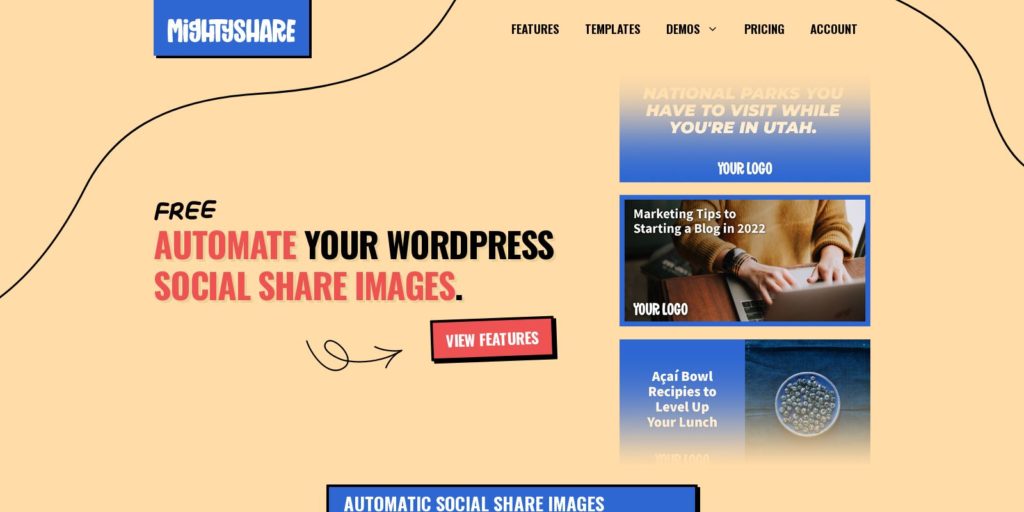
MightyShare is a fantastic tool to automate social image creation for your WordPress websites and blog posts. MightyShare will automatically generate your social share images by making them more engaging by adding text, logos, and your branding on top of your featured image.
Main features of MightyShare:
- Automatically generate social share images for posts and pages!
- Perfect solution for branded social images.
- Robust customization plus developer hooks.
- Compatible with popular SEO plugins.
- Multiple templates to choose from & new templates added frequently.
- Works with custom post types.
Best of all, MightyShare’s plugin is available on WordPress.org for free.

MightyShare offers a library of customizable templates so you can tune the output to match your brand without designing from scratch. The free plan renders 50 unique social images per month.
Paid plans start at $5 a month and give you the full template library plus higher render limits.
Paid plans also give you the ability to select any Google Font to use in templates.
2. Jetpack
Jetpack is a premium suite of WordPress plugins with a comprehensive image-generating tool previously known as Social Image Generator. It was acquired by Jetpack in 2021 and now comes as part of Jetpack Social.
The tool not just simplifies but automates social share image creation.
Jetpack Social Image Generator creates the image automatically for every piece of content you share. It’s compatible with most major networks: Facebook, X (Twitter), Pinterest, LinkedIn, Reddit, and Tumblr.
Jetpack also generates images that look correct when your URL is shared in WhatsApp and iMessage previews, which isn’t true of every tool on this list.
Jetpack also features a template editor, allowing you to personalize images to reflect your brand identity. It’s easy to use, and there is a free version available for those who want to try it before signing up.
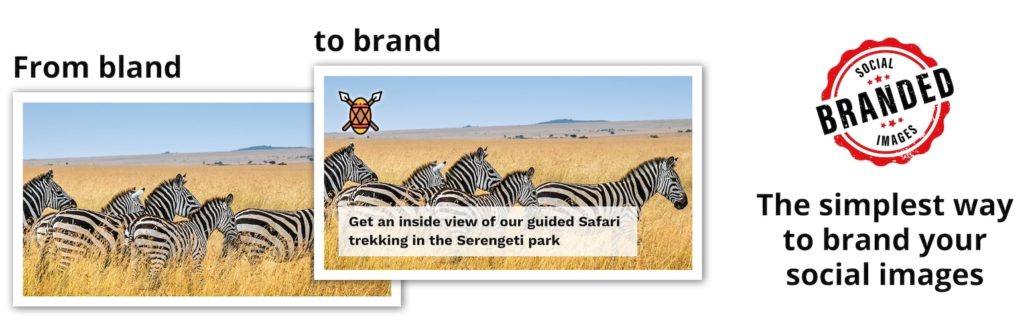
Want every post that you share on social media to have a personalized/branded image?
Try Branded Social Images!

The tool creates Open Graph Images with your company’s logo and text, giving it a more personalized look and feel. You can modify the images as per your liking by adjusting colors, fonts, the position of the text and logo, and scale. If you want to create a customized image from scratch, you can turn off the automation feature for that post.
Branded Social Image is also free to use, making it a great tool for beginners who want to try their hands at social image generators before buying one.
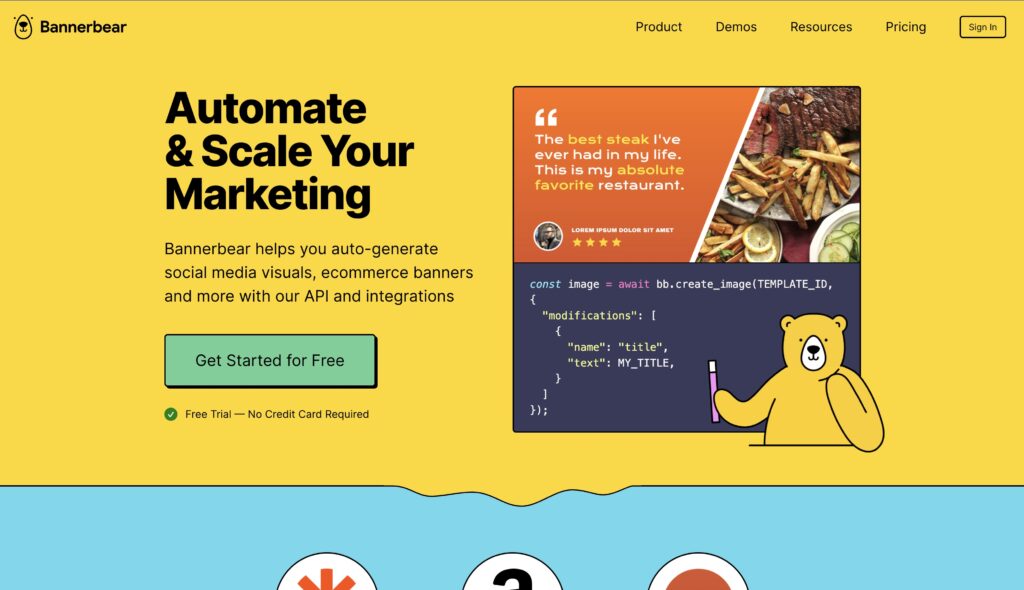
Bannerbear is an API-first visual automation tool. It creates images and videos for social networks, email headers, and ecommerce banners from a template library or your own custom designs.
Where Bannerbear shines is automation: it’s built API-first, so you can plug it into Zapier, Make, n8n, or directly into your code to generate images programmatically.
They have a brief tutorial on how to use Bannerbear for WordPress but it’s not as comprehensive as using another plugin on this list.
5. Placid
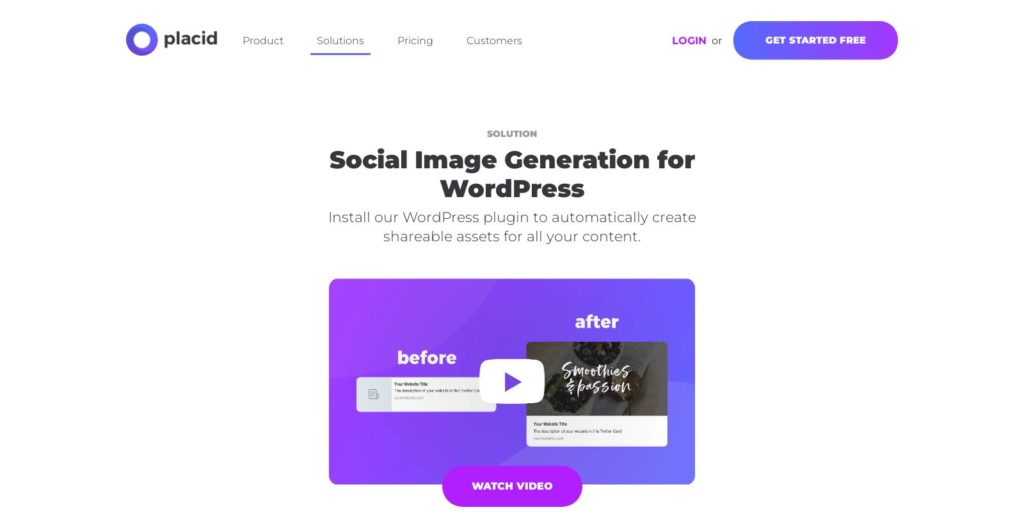
One of our last picks for social image generators (but not any less useful than the ones mentioned earlier) is a visual content generation tool that lets you automate all types of visual content creation processes for your business. Placid can generate social images, Pinterest pins, social cards, open graph images, story visuals, and much more.
Like all other tools on our list, this one also comes with a variety of ready-to-use templates. It also features an editor that lets you modify templates. And, of course, you can automate the entire social image generation process and let Placid create images for every post you share on your social platforms.
Placid offers four different plans and a free trial.
6. OMGIMG
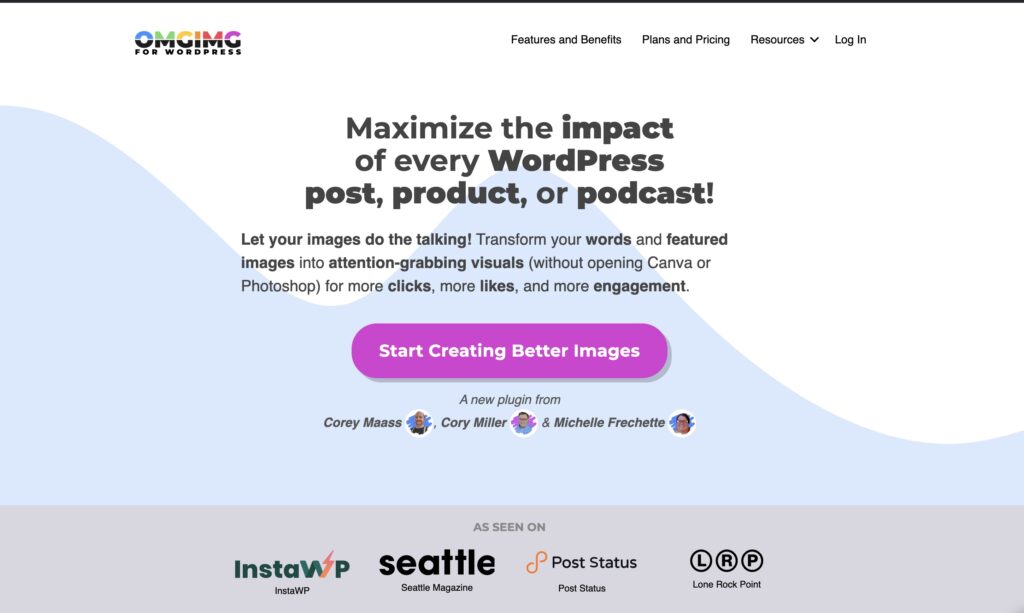
OMGIMG is a WordPress plugin that creates social media images directly inside the editor, no jumping to Canva required. It integrates with the major SEO plugins (Yoast, Rank Math) so the right image lands on the right platform automatically.
Quick resizing for Instagram, X, and Open Graph is built in, and there’s a 30-day money-back guarantee if it doesn’t fit your workflow.
The case for automating social share images comes down to time and consistency:
- Consistent branding. Every post that gets shared on X, LinkedIn, or Facebook shows up with your colors, logo, and typography. No off-brand stock photos slipping through.
- Higher click-throughs. Posts with custom share images perform measurably better than posts that fall back on a generic site-wide preview. A descriptive title overlaid on a branded background is more compelling than a tiny site logo.
- Time saved on every post. 5-10 minutes per piece, gone. For a site publishing 5 posts a week, that’s an hour back every week.
- One template, many platforms. Most of these tools generate the right aspect ratios for OG (1.91:1), X cards (16:9 or square), Pinterest (2:3), and Instagram (1:1) from one source template.
Frequently Asked Questions
Do I need a social image generator if my site already has Open Graph tags?
The OG tags tell social platforms what image to show. Without a social image generator, that image is usually your post’s featured image (which may be too small, the wrong aspect ratio, or not branded). A generator creates a purpose-built share image with your title, logo, and template baked in, then sets the OG tags to point at it.
The Facebook debugger says a required property is missing. Did I break something?
Almost certainly not. After setting up share images, most people run a URL through the Facebook Sharing Debugger to check it, and the debugger frequently reports that the required property fb:app_id is missing. Despite the wording it is a notice, not an error, and it does not stop your image or preview from working. Your Open Graph tags are fine.
What size should social share images be?
1200 x 630 pixels (1.91:1 aspect ratio) is the safe default for Open Graph. It works for Facebook, LinkedIn, Pinterest’s “rich pin” layout, and most messaging apps. X automatically crops it to 16:9 (1200 x 675 also works well). Instagram and Pinterest both have their own preferred sizes, which most of the tools above generate as variants from the same template.
Do social image generators work with Yoast and Rank Math?
Yes. MightyShare, Jetpack Social, Branded Social Images, and OMGIMG all integrate with the major SEO plugins. They override or supplement the Open Graph image that Yoast or Rank Math would otherwise set, so the auto-generated branded image wins.
What’s the difference between a social image generator and an OG image plugin?
They overlap a lot. An OG image plugin sets the right metadata so social platforms know which image to display. A social image generator creates the image itself, usually from a branded template, and sets the metadata pointing at it. Most modern tools (everything on this list) do both.
Can I use AI to generate social share images?
You can, but for share images specifically the template-driven approach is usually better. AI image models like Nano Banana 2 or Flux are great for one-off creative images, but they struggle with text overlay, brand consistency, and the speed-at-scale that a templated tool offers. For thousands of posts, templates win on cost, speed, and consistency.
Which one should I pick if I want zero hassle?
If your site already runs Jetpack, use Jetpack Social Image Generator: it’s already installed, configures in two clicks, and just works. If you’re not on Jetpack, MightyShare is the closest free equivalent on WordPress.org. For developers building a custom workflow, Bannerbear’s API is the cleanest option.
Wrapping Up
For most WordPress sites, the right pick is MightyShare (free, on WordPress.org) or Jetpack Social Image Generator (if you already run Jetpack). Both produce branded share images automatically and require almost no configuration to get a working result.
If you publish a lot of content and want the entire workflow automated, see RightBlogger’s roundup of AI social media tools for the broader content-distribution stack that pairs with these image generators.




4 Responses
The article “Top 6 Social Image Generators for WordPress (2024)” highlights essential tools for enhancing social media engagement through eye-catching visuals. With the increasing importance of images in driving traffic and engagement, utilizing these generators can save time and streamline the content creation process. https://arjunrkr.com/
I’m building gleam.so – a simple tool that helps developers and content creators generate beautiful OG, social sharing images for their web content in seconds, no design skills needed.
https://gleam.so
Would love to get your feedback on the early version!
Does it have a WP plugin?
Very informative! These tools seem perfect for improving social media presence. Thanks for sharing.