
The WordPress AI plugin landscape moved fast over the last 18 months. Generative AI built into the editor, AI image tools that actually look professional, autoblogging that can publish a full post end-to-end, and the first wave of plugins integrating with the Model Context Protocol (MCP) so AI assistants can manage your WordPress site directly.
WordPress core caught up in May 2026 with version 7.0 (Armstrong), which added a native AI framework: the AI Client and the Abilities API, a standard way for plugins to register AI actions like generate, summarize, and translate.
One catch worth knowing: core 7.0 ships the AI plumbing, not a built-in writing assistant. It gives plugins a shared foundation to build on, which is exactly why the tools below still matter. They are where the actual content, images, and automation happen.
This guide covers the 9 best WordPress AI plugins for bloggers and content creators in 2026, broken down by what they actually do (writing, images, chatbots, workflows, full website creation), with honest pros and cons for each. The plugins range from free to premium, all proven and actively maintained.
- The nine picks span writing, images, chatbots, workflows, and full-site creation, ranging from free to premium.
- For content, Jetpack AI, AI Engine (bring your own API key), and Rank Math Content AI are strongest; for full sites, ZipWP and Divi AI.
- WordPress 7.0 added a native AI framework to core, but the actual content generation still comes from plugins like these.
- Whatever you use, edit the AI output before publishing, since unedited AI content gets demoted.
9 Best WordPress AI Plugins (AI Tools) for Bloggers and Content Creators
1. Jetpack AI Assistant (Generative AI)
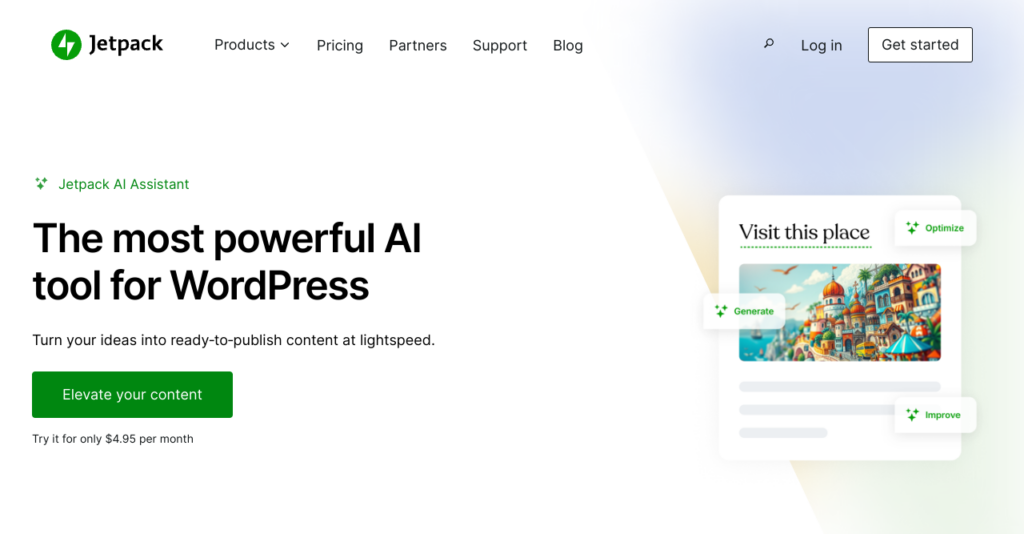
Jetpack is WordPress’s own plugin (powered by WordPress.com) offering a range of security, performance, and marketing tools. The Jetpack team has now created Jetpack AI Assistant, which costs from $4.95/month (paid annually).
Jetpack AI assistant has a range of AI features so you can create all kinds of WordPress content, including lists, tables, images, and more. It also has a style, grammar, and spelling checker to highlight things you may want to change … plus it offers some SEO features.
Pros
- Makes it easy to create AI-generated content directly in WordPress
- If you already have Jetpack, you don’t need to install a new plugin
- Offers title suggestions to improve SEO
- Can correct spelling and grammar (and advise on style)
- Is able to rewrite text in different tones
- Can translate content into multiple languages
- Good all in one option that can handle multiple AI tasks
Cons
- Interface can be a little clunky
- Pricing structure means paying monthly works out significantly more expensive than paying annually
2. Uncanny Automator (AI Workflows)
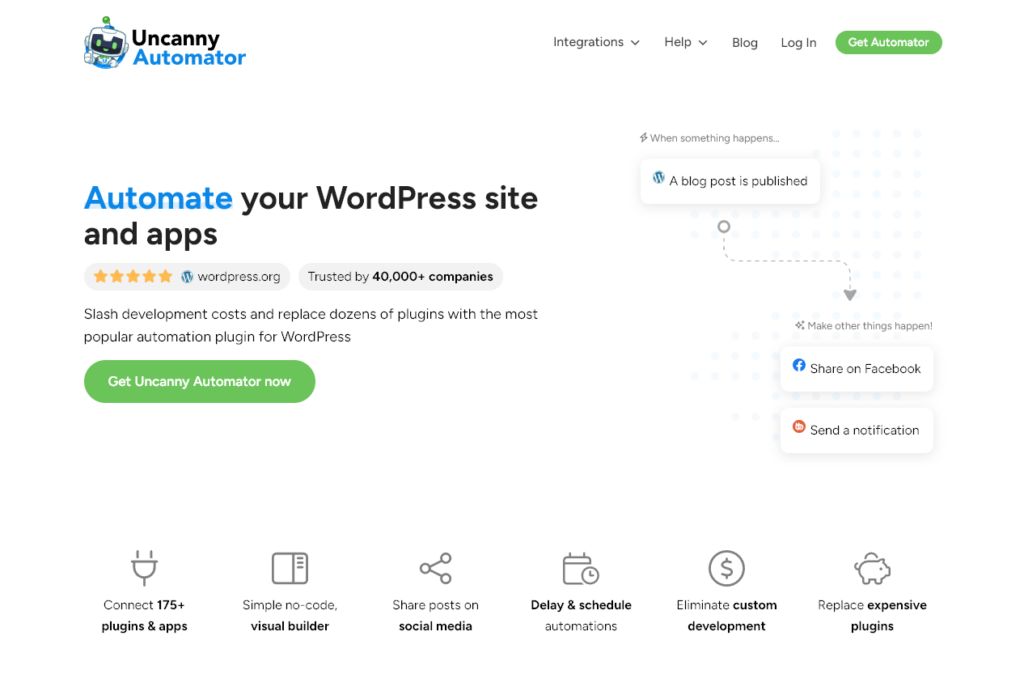
Uncanny Automator is (as you might expect from the name) an automation plugin. This lets you set up workflows of tasks to happen automatically, without you needing to do them all manually, and without needing a load of extra plugins.
With Uncanny Automator, you can connect over 175 different plugins and apps using “recipes”. You can do things like automatically share blog posts on Facebook, send out course reminders, connect with tools like Google Sheets and Slack, and much more.
Pros
- Code-free interface for non-technical users … plus full developer documentation and code samples
- Data is all processed on your site (not by a third party)
- Unlimited recipes, which you can run unlimited times
- Helps you slim down or streamline your plugin stack
- Great, friendly support
Cons
- Costs $149/year minimum (no option to pay monthly instead), which only covers one site
- Doesn’t have a free version
3. AI Engine (AI Chatbot)
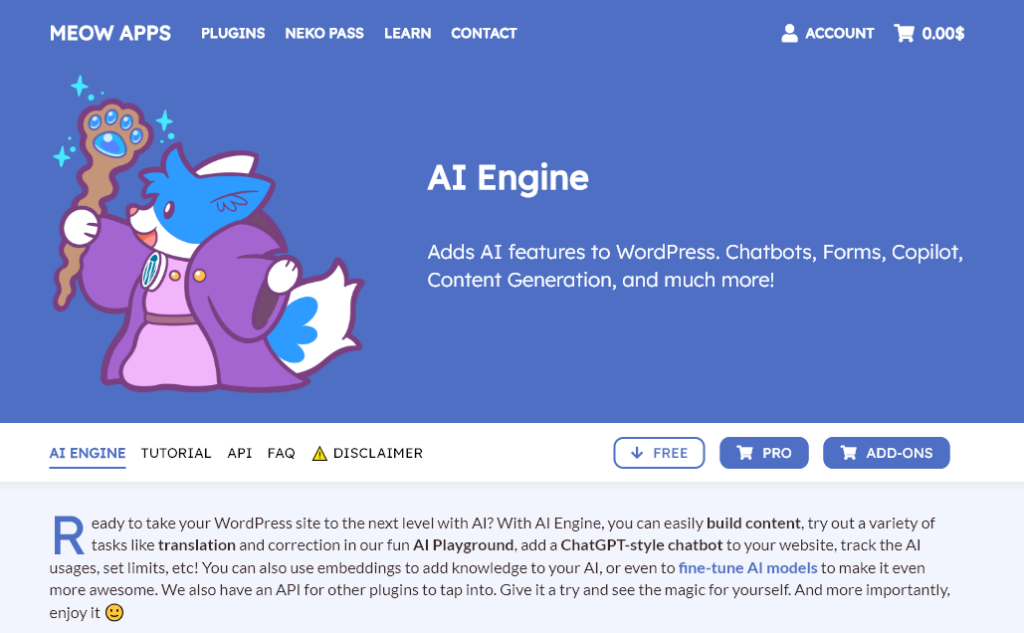
AI Engine lets you add an automated chatbot to your WordPress site,which could help you to improve visitors’ engagement with your site and convert more traffic into leads (or even customers).
You also get content generation and image generation, plus the ability to train your own customizable AI models, with the power of machine learning and natural language processing.
AI Engine includes an “AI Playground” where you can try out translation tools, grammar correction tools, and more. If you pay for the premium version, you can build AI assistants, create dynamic forms, and more.
Pros
- Free version includes loads of features, such as the AI chatbot, text and image generators, option to create your own templates, and more
- Lots of customization options
- Gives you the option to prepare datasets and train your own AI models
- Updated regularly and has plenty of documentation from the creator
- Pro version is good value (costing from $59/year for one site; $79/year for up to 5 sites)
Cons
- You’ll need your own API key to draw on an LLM like ChatGPT(OpenAI), Microsoft Azure, etc,AI Engine simply connects with these services
4. Imajinn (Image Generation)
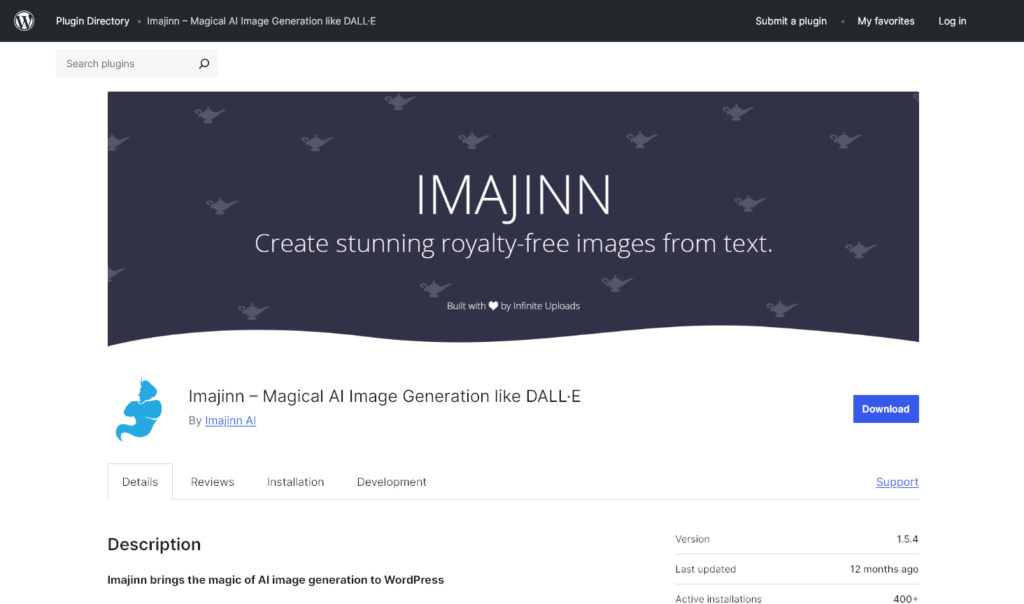
Imajinn is an AI-powered plugin that can create photo-realistic images or illustrations, like MidJourney or DALL-E. It’s powered by the Stable Diffusion XL model.
Check this one before you commit to it. Imajinn has not shipped an update since November 2024, it is tested only up to WordPress 6.7, and it sits at around 200 active installs. It also still runs on Stable Diffusion XL, which has been superseded several times over in image models. If you want AI image generation inside the editor from something actively maintained, AI Engine above covers it and ships updates most months.
With Imajinn, you can create images inside the Gutenberg editor, with the Imajinn AI Block. You can also look back through previous versions of your images, create additional variations, touchup images, and more. Of course, you can save your favorites to your WordPress media library.
Pros
- You can use the Imajinn plugin across as many sites (and WordPress users) as you want
- You don’t need an API key,just click to connect!
- Simple to use (with great documentation if you need it)
- Includes “Prompt Genie” to help you craft better image prompts
Cons
- Free version only gives you 10 credits (10 prompts,each prompt creates 4 image variations). You’ll need to pay if you want more credits.
- Images can be a little slow to generate
- Sees infrequent updates, so check its “last updated” date on WordPress.org before installing to confirm current WordPress compatibility
5. Divi AI (Website Creation)
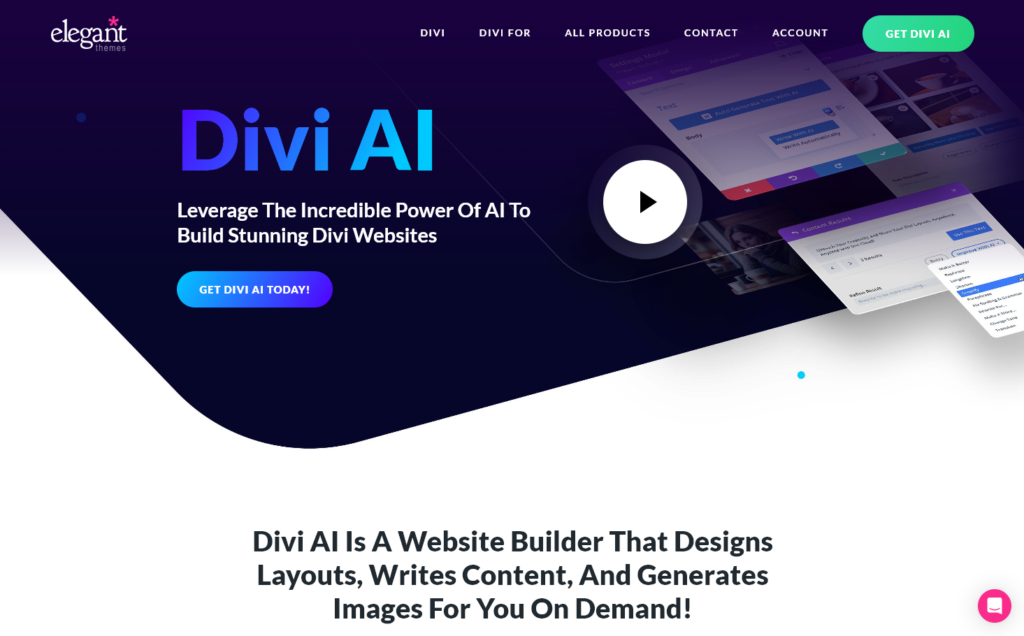
Divi is a popular WordPress site creator from Elegant Themes, and they’ve now added Divi AI,a website builder that can design layouts, write content, and generate images too. It’s integrated with the Divi builder and can be used to build whole websites (whether for yourself or for a client).
You can even get Divi AI to write HTML code and custom CSS snippets to use in the Divi builder. (It’s specifically trained on the Divi codebase.) It learns from your website, too, crafting content based on the context.
Pros
- Available as an add-on to your existing Divi membership (or you can choose a package that includes it for a new membership)
- Can be used to create whole pages or even whole websites, and incorporates a content writer
- Fits with your branding,just give the AI your brand colors and fonts
- Lets you and your team create unlimited images and text
- Integrates smoothly with Divi and can easily write Divi-compatible code
- Divi is adding new features to Divi AI as time goes by
- Has a (limited) free trial
Cons
- Needs to be used with a full Divi subscription,isn’t a standalone product
- Can only be accessed from within Divi on your website
6. Rank Math Content AI (SEO Content)
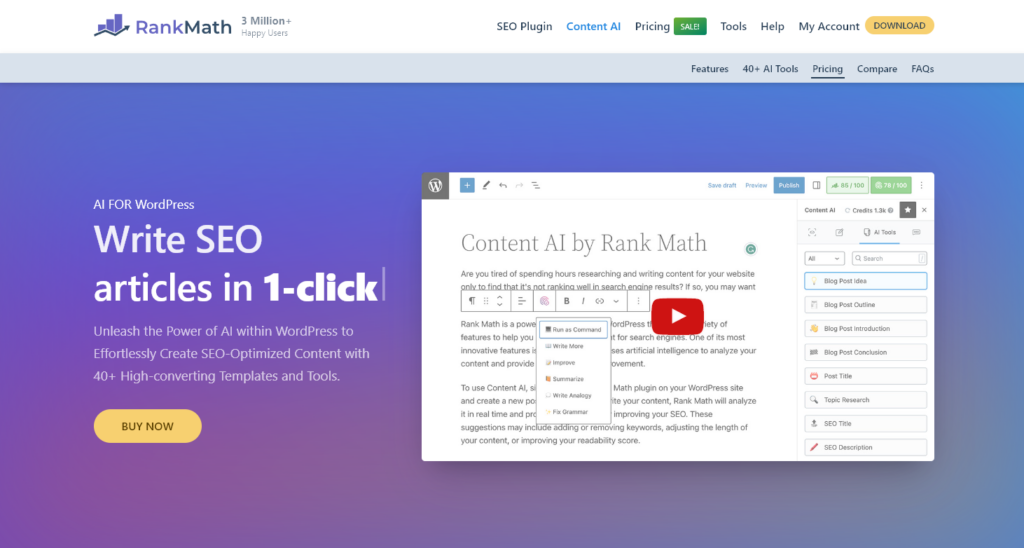
Rank Math is a popular SEO (search engine optimization) plugin for WordPress. The team has now created Rank Math’s Content AI so you can write SEO-optimized posts in seconds, from keyword research to outlining to writing the post itself. It’s my absolute favorite SEO plugin!
Rank Math has high-converting templates and tools built-in, helping you not only write SEO-friendly content but also fix grammar, create product descriptions, optimize for SEO, write a bio, reply to comments, craft FAQs, write social media posts, and more.
Pros
- Simple, attractive interface,easy user experience
- Lets you create AI content directly within WordPress
- Includes personalized content recommendations for your target audience
- Integrates with the rest of the Rank Math plugin for meta titles, meta description, open graph, and more
- Allows you to create and fine-tune a custom, branded tone of voice
- Limited version available for free
- Starts at $4.99/month (billed annually) for 5,000 monthly credits
Cons
- Free version is very limited (only 750 monthly credits, which is just 750 words of content)
- Separate subscription from the Rank Math PRO plugin
- Credits can’t be rolled over from month to month
7. Tidio (AI Chatbot)
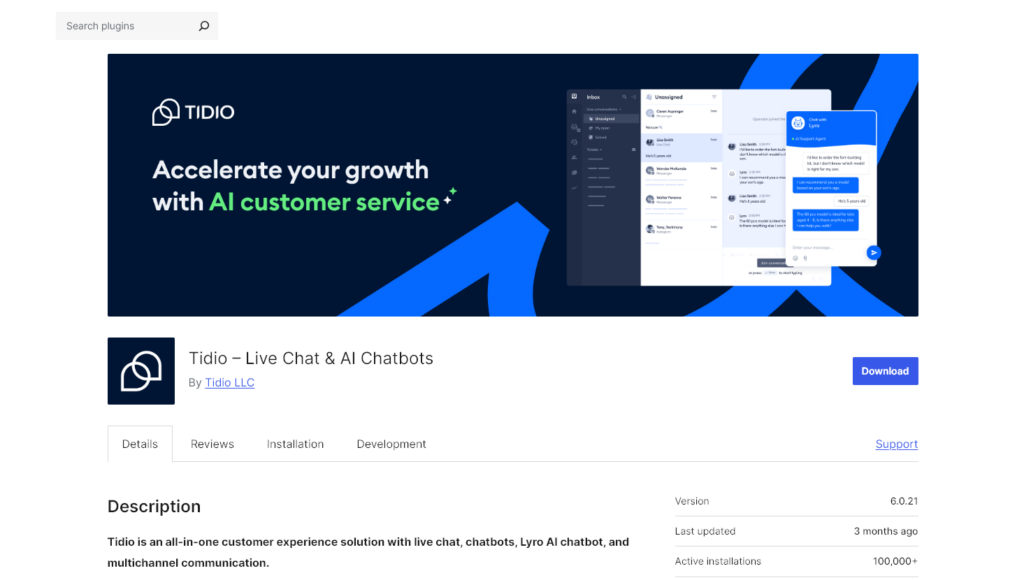
Tidio‘s key feature is an AI-powered chatbot, Lyro, that lets you handle customer inquiries 24/7. It’s designed to give instant responses, based on your support materials … but you (or one of your customer service agents) can step in and take over the conversation at any point.
It’s easy to set up and customize your chat widget, and you can review the Chatbot’s performance over time, updating its knowledge base as needed.
Pros
- Saves lots of time by handling basic customer service tasks
- Can be customized and tweaked to perform well
- Lets you respond instantly (even in the middle of the night) for better user engagement
- Also includes ticketing system to handle more involved customer queries
- Has “plug and play” flows to offer discounts, recover abandoned carts, and more
- Connects with other tools in your tech stack, particularly WordPress and WooCommerce (for ecommerce sites)
Cons
- Live chat plugin is supposedly free, but some users reported being unable to use it without paying
- Full version costs a minimum of $29/month and this only gives you 50 AI conversations
8. ZipWP (Website Creation)
ZipWP is a WordPress website builder powered by AI. With it, you can create a full WordPress website in just 60 seconds (without needing to fiddle with any code). The AI can pick out a design, craft copy, add relevant visuals and images, and create your full site.
Of course, you can edit and adjust the site,there’s a built-in AI assistant to help you with this. ZipWP also comes with a full library of designs that adapt to your unique website.
Pros
- Lets you create websites fast, including the website content
- Can be used by website hosting companies to give clients added value
- Has a free version that you can use to create 2 AI sites
- Simple, straightforward interface
- One-off payment option rather than subscription if you just want to create a few (up to 5) websites
- Powerful plans available if you build sites for other website owners
- Customer services is very helpful and proactive
Cons
- Need to create an account after installing the plugin (ZipWP explains this is due to spam/DDoS attacks)
- Has limited built-in customization options
9. Elementor (Website Creation)
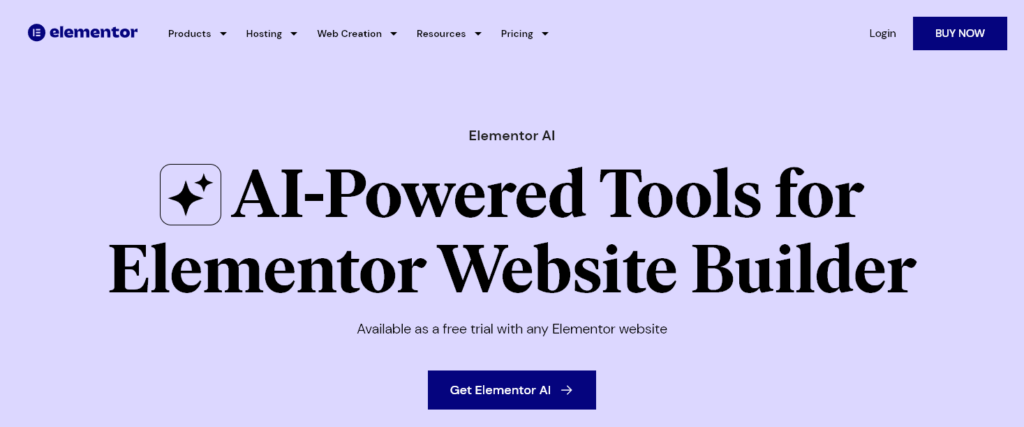
Elementor has been around as a page builder for years,but now they have an AI option too. You can give this a go for free with your Elementor WordPress site. With “Copilot”, you’ll get layout suggestions based on your previous preferences.
There’s also a Prompt Enhancer to help you get better results from the AI, plus “AI Context” to learn your tone of voice and to understand more about your business. The Starter AI plan costs $48/year.
Pros
- Create instant, well-designed layouts for your site (you can use written prompts for this)
- Make variations based on your existing Elementor containers or pick from the library
- Generate wireframe designs
- Create AI images directly in Elementor
- Can be used to make websites for clients
- You only need one subscription, regardless of how many Elementor websites you have
Cons
- Has to be paid for annually (no month-by-month option)
- Credits don’t roll over after your year is up
Tips for Using an AI-Powered WordPress Plugin
To get the most from your AI WordPress plugin (or any WordPress plugin!) it’s a good idea to:
- Try one new plugin at a time. Installing too many plugins at once makes it tricky to pinpoint the problem plugin if something goes wrong with your site.
- If you’re getting a free plugin, always use the official WordPress plugin directory (also found inside your WordPress backend, under Plugins→Add New Plugins).
- If you’re getting a paid plugin, always use the official website for the company that produces the plugin (e.g. Elegant Themes for Divi). Don’t buy from a third party: it could be malware or a scam.
- Keep your plugins up to date. Plugin developers should update their plugins if any security issues are found, but if you’re using an outdated version, your site will be vulnerable.
One rule that applies to every AI tool on this list: don’t publish AI output without reading it first. Modern models are much better than they were 18 months ago, but they still hallucinate facts, miscount items in a list, and (yes, sometimes) generate images with seven fingers.
Treat AI output as a fast first draft, not a finished product. The 2026 reality is that the difference between an AI-assisted post that ranks and one that gets demoted is whether a human edited it.
Frequently Asked Questions
What’s the best free WordPress AI plugin?
For pure content generation, AI Engine is the strongest free option. You supply your own OpenAI or Anthropic API key and pay the model provider directly, which works out cheaper than most subscription-based alternatives if your usage is moderate. For automation workflows, Uncanny Automator has a free tier with limited recipes.
Will AI-generated content hurt my SEO?
Google clarified in 2023 that AI-assisted content is fine. What matters is whether the content is helpful and high-quality. Raw, unedited AI output published at scale falls into the same low-quality bucket as plagiarism in the eyes of Google’s Helpful Content System. AI as a fast-first-draft tool with human editing on top is the right pattern.
Do I need an OpenAI API key to use these plugins?
Some plugins (AI Engine, some Tidio integrations) let you bring your own OpenAI / Anthropic / Google API key, which is usually the cheapest path. Others (Jetpack AI, Divi AI, Rank Math Content AI) handle the AI provider behind the scenes and bill you a flat subscription.
The BYO-key approach scales better for heavy usage; the subscription approach is simpler if you don’t want to manage API keys.
Can these plugins replace a human writer?
For first drafts, ideation, and structural editing, yes. They meaningfully reduce the time it takes to ship a post.
For research, fact-checking, original perspective, and the kind of voice a real human reader recognizes, no. The strongest 2026 workflow is using AI for everything you’d otherwise pay an editor to do (outlines, rewrites, alt text, meta descriptions) while a human still owns the actual writing decisions and verification.
What about MCPs and AI agents managing my WordPress site?
The Model Context Protocol (MCP) is a 2024-2025 standard for letting AI assistants like Claude or ChatGPT interact with external systems through structured tools.
This moved from theory to shipping in 2026. WordPress 7.0’s Abilities API lets plugins register AI actions, and the official, open-source WordPress MCP Adapter exposes those actions to AI assistants as MCP tools.
Managed hosts are building on it too. Pressable, for example, offers early access to WordPress MCP, connecting Claude, ChatGPT, and others directly to a hosting account.
The space is early but worth watching, especially if you manage multiple WordPress sites and want an AI agent to handle routine work.
Want this on your own site? RightBlogger ships a remote MCP connector that gives Claude or ChatGPT access to your Google Search Console data, keyword research, and AI-search visibility, plus reversible post edits that ask before anything publishes. Ask for striking-distance keywords, CTR fixes, or a content-decay audit and get plain-language answers, with one sign-in and no API keys. The visibility side comes from its AI Brand Monitor, which runs real buyer prompts on ChatGPT, Gemini, Perplexity and Claude and reports whether your site is named, how you compare with competitors, and which sources the answers cite.
Which WordPress AI Plugin Will You Try Today?
Any of the 9 plugins above could be a strong addition to your site. The right pick depends on what you actually want to do: generate content (Jetpack AI, AI Engine, Rank Math Content AI), build a full site (Divi AI, ZipWP, Elementor AI), automate workflows (Uncanny Automator), or add an AI chatbot to your site (Tidio, AI Engine).
Two related topics worth a look if you’re going deeper:
- Autoblogging: how end-to-end AI publishing actually works on WordPress, and where it’s a good idea (vs where it backfires).
- The 30+ best WordPress plugins by category: SEO, performance, security, eCommerce, and more, including the AI picks above in their broader context.
Andy works on RightBlogger alongside SmartWP, where the AI Article Writer for WordPress publishes posts directly to a WordPress site via the REST API (it also publishes to Shopify, Webflow, Ghost and Wix, if you run more than one platform). For a wider tool comparison beyond plugins, Ryan Robinson’s roundup of AI content writing tools for bloggers is a useful next read.



5 Responses
Hey, this blog had made me realize so many facts and figures.
As a Digital Marketing expert in Qatar, i could gain so much knowledge by reading this
As a Digital Marketing expert in Qatar, i could gain so much knowledge by reading this
As a Digital Marketing Expert in Kannur , i got knowledge in an amazing degree . Such a really nice blog!
I appreciate that the guide clarifies what WordPress 7.0 actually ships: core provides the AI framework, while plugins handle the real content generation. That distinction explains why tools like Jetpack AI Assistant and AI Engine remain essential. I wonder whether more plugins will shift toward the Abilities API as a shared standard over the next year.