WordPress 7.1 “Mary Lou” is out. It was released on August 19, 2026, exactly as scheduled, landing on the final day of WordCamp US. It is the second major release of 2026, was led by Anne McCarthy, and is named for the jazz pianist and arranger Mary Lou Williams.
Most coverage leads on the new styling controls, and those are genuinely useful. But the change with the widest reach is quieter: WordPress no longer resizes your images on the server. That work now happens in your browser before the upload leaves your machine, and it fixes a category of problem that has annoyed WordPress users for fifteen years.
Below is what actually shipped, what fell off the roadmap, and the one big feature that is missing again. Everything here reflects the final release and the official WordPress 7.1 Field Guide. You can download 7.1 from WordPress.org, though most sites will simply be offered it under Dashboard → Updates.
Client-Side Media Processing: The Real Headline
Until now, uploading a photo to WordPress meant handing it to your server. PHP passed the file to GD or ImageMagick, and your host spent CPU and memory generating every thumbnail size before the upload completed. That is why a large photo can return a memory error, why “increase your PHP memory limit” is such common advice, and why phone photos so often refused to upload at all.
In 7.1 that work moves into the browser. Core ships a new upload-media script that uses createImageBitmap, OffscreenCanvas and convertToBlob to decode, resize and re-encode images on the client — and it generates the thumbnail sizes there too. Your server receives files that are already the right dimensions in the right format.
What this actually changes for you
- Phone photos upload. HEIC, the default format on iPhones, is decoded in the browser and converted on the way in. No more asking a client to export as JPEG first.
- Your host stops doing image work. Resizing and thumbnail generation leave PHP entirely, which is exactly the work that trips memory limits on modest hosting.
- Uploads survive a bad connection. The upload path retries instead of failing outright, which matters most on the mobile connections people actually upload from.
- GIFs become video. A GIF converted to video is dramatically smaller for the same result, and 7.1 does the conversion for you.
- Modern formats are first class. AVIF, WebP and UltraHDR are handled alongside JPEG and PNG.
Your existing settings still apply. The big image size threshold and your output format preference are both respected by the new client-side path, and the old server-side image editor remains as a fallback for anything the browser cannot handle.
The security angle nobody mentions
There is a second benefit that gets less attention. Server-side image processing means every file a stranger uploads is parsed by GD or ImageMagick running on your host — libraries with a long history of parser vulnerabilities, several of which have been exploitable purely by uploading a malformed image. Moving decoding into the browser means that untrusted file is processed inside the browser’s sandbox, on the visitor’s machine, before your server ever sees it. It does not eliminate the server-side path, but it means the common case no longer runs an image parser on your box.
The media library and editor caught up too
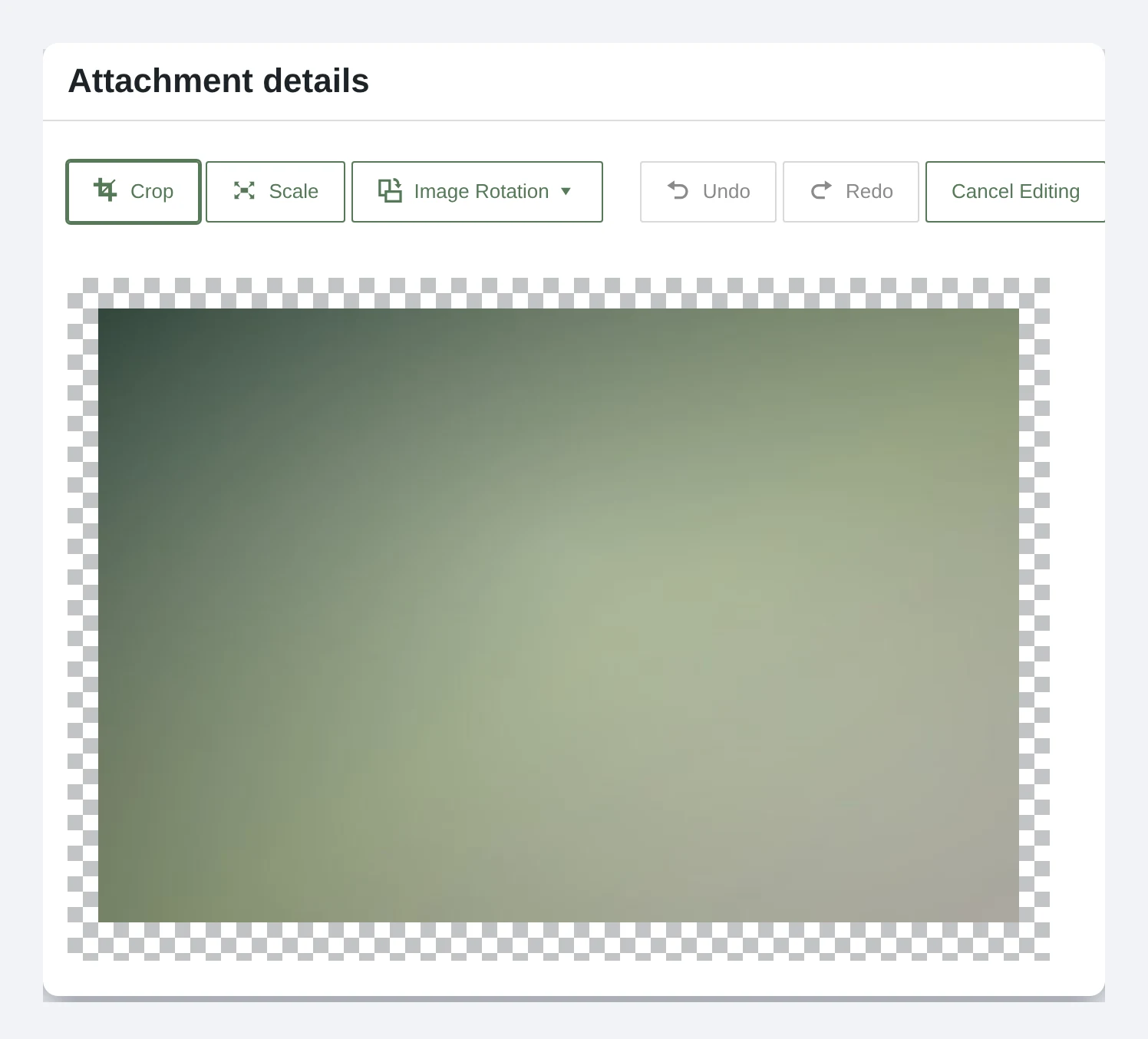
Uploads also get more resilient, with a progress indicator and automatic retries if connectivity drops mid-upload. A new Media Editor Modal replaces the old inline cropper, bringing cropping, rotation, and metadata editing into one workflow. Galleries can pull in and sort media already attached to a post, the inserter surfaces images attached to the current post in a new Attached images section, and the Media Library grid scrolls infinitely instead of making you click “Load more” (you can turn that off in your profile).
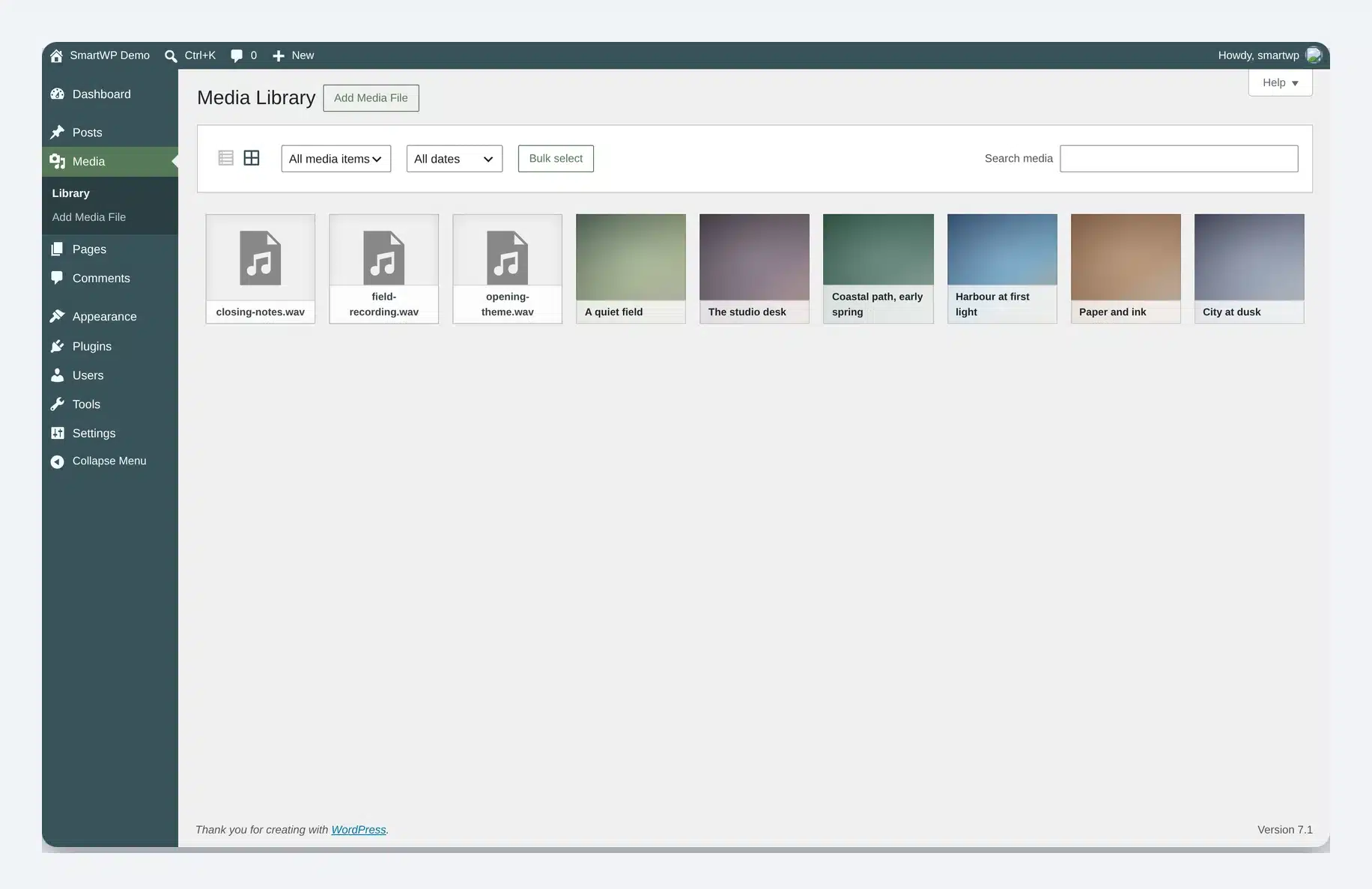
If you are dealing with oversized uploads today, our guides to large image scaling and increasing the max upload size still apply.
Responsive and Hover Styling Without CSS
Two long-requested features are arriving together, and they are the reason this release matters to people who build sites rather than plugins.
Responsive styling lets you define how a block looks at different screen sizes from inside the editor. Set a smaller font size on mobile without opening a stylesheet. It works both in Global Styles, applying to every instance of a block, and on individual blocks. Theme authors also get viewport breakpoint customization, so the breakpoints those controls snap to can be defined in theme.json rather than being fixed by Core.
Interactive state styling covers the other half: hover, focus, and active states as standard controls. Making a button change color on hover has, until now, meant custom CSS or a page builder. In 7.1 it becomes a setting, again available both globally and per block.
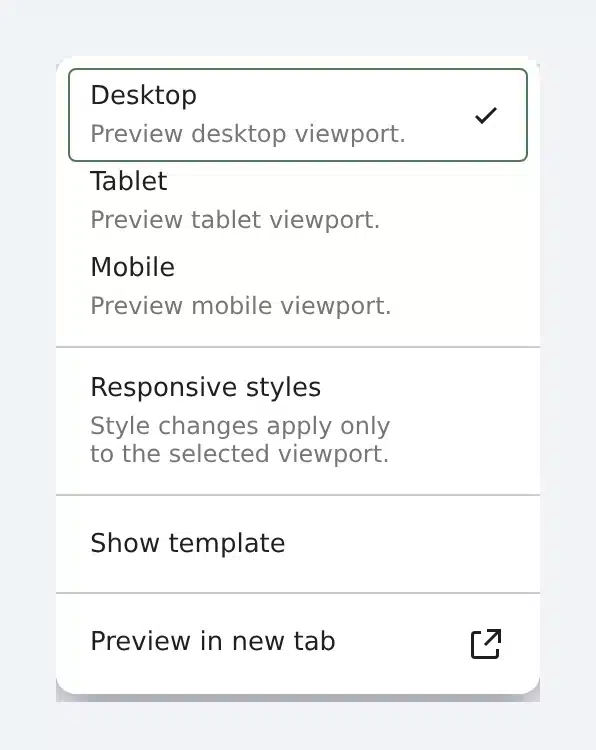
Taken together these close two of the most common reasons people still reach for custom CSS or a third-party builder. If you maintain client sites, this is the change most likely to shorten your build time.
New Blocks and Block Improvements
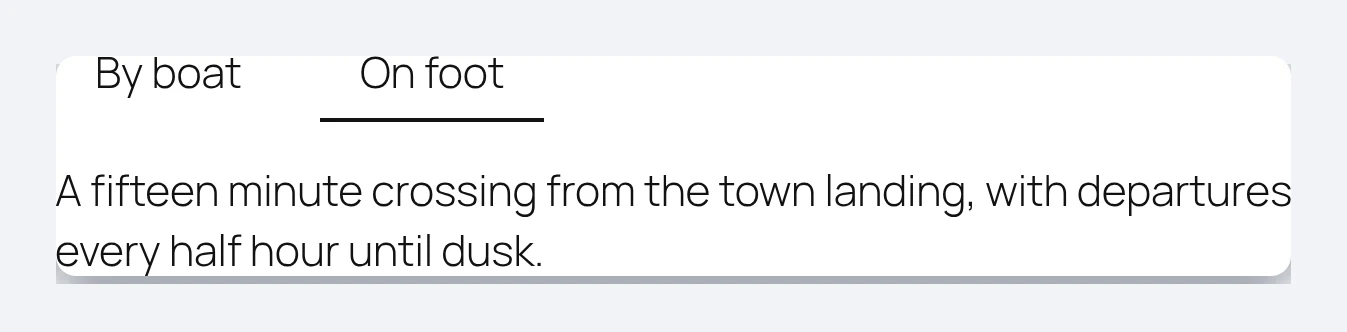
Two new Core blocks are confirmed in the beta. The Playlist block collects audio files into a single player with an optional waveform visualization, which covers podcast and music use cases that previously needed a plugin. The Tabs block organizes content into clickable panels, another job that has meant a third-party block until now.
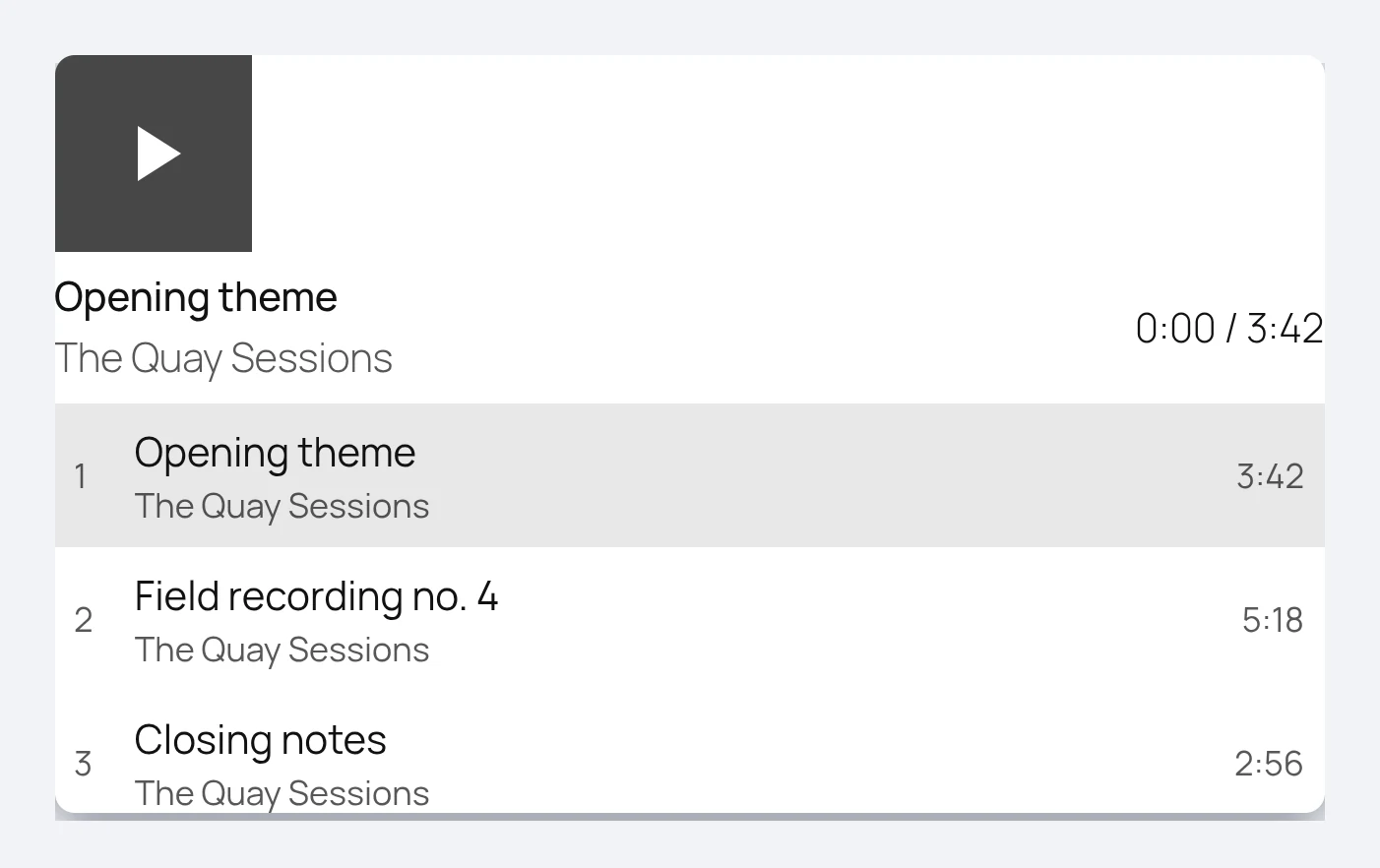
Several existing blocks improve too. Background gradients and background images no longer fight each other, a fix that now covers Group, Verse, Accordion, Pullquote, Post Content, and Quote. The Custom HTML block supports editable nested blocks, which is aimed squarely at AI-generated content that arrives as raw HTML. The Image block gains a Mark as decorative toggle to hide purely ornamental images from screen readers. And shortcode handling gets smarter: pasting a shortcode into the Embed block now produces a real Embed block instead of leaving the raw text sitting there.
New Design Tools
Three smaller additions to Global Styles are worth knowing about, because each one removes a reason to reach for custom CSS.
- Background gradients now work alongside background images rather than fighting them, a fix that covers Group, Verse, Accordion, Pullquote, Post Content and Quote.
- Minimum width joins the dimensions controls, which makes it far easier to stop an element collapsing on narrow screens without a media query.
- Text shadow is available in Global Styles, so you can set it once for a block type rather than per instance.
Individually these are small. Together with the responsive and interactive-state controls below, they continue a pattern this release is full of: things that used to need a stylesheet becoming settings.
A Real Icon System
7.1 builds out the SVG icon work that started in 7.0 into something you can actually use. There is a core Icon block for inserting an SVG icon directly, an icon library behind it, and functions for plugin and theme authors to register and unregister their own icon collections so they appear throughout the editor rather than only inside one plugin’s UI.
There is a REST endpoint for it too, served by a new WP_REST_Icons_Controller, which means icon collections are queryable rather than locked inside the editor bundle. If you have ever shipped an icon font or inlined a pile of SVGs to work around this, it is worth a look.
Collaboration: Notes Grew Up, Real-Time Editing Did Not Arrive
Notes, the editorial commenting system, got most of the collaboration work this cycle. You can now use inline formatting (bold, italic, code, links, emoji), tag colleagues with @mentions, leave a note on a text selection rather than a whole block, start multiple separate conversations on the same block, and collapse long notes to keep the margin readable.
What is not there is real-time collaboration. It was pulled from WordPress 7.0 twelve days before that release, and it is not in 7.1 either. There is no ambiguity left about this: the Field Guide states that real-time collaborative editing “received extensive testing and feedback during the WordPress 7.1 cycle, but it is not enabled in the final release,” with work continuing on conflict handling before Core integration. The roadmap had been candid about the open strategic questions behind that, including whether to ship the full feature or only the underlying architecture, and which storage mechanism to use.
Two additions landed with the release candidates and are worth knowing if you work with an editorial team. Notes now send email notifications for @mentions, so tagging a colleague reaches them outside the editor. And shareable revisions let you hand out a collaboration link to a specific revision, which covers a chunk of what people actually wanted from real-time editing: getting a second pair of eyes on a draft.
The practical read: if you were waiting on Google Docs style co-editing in WordPress, keep waiting. Two releases have now passed with the groundwork moving but the feature itself held back, which suggests the team would rather ship it late than ship it unstable.
Admin Quality-of-Life Changes
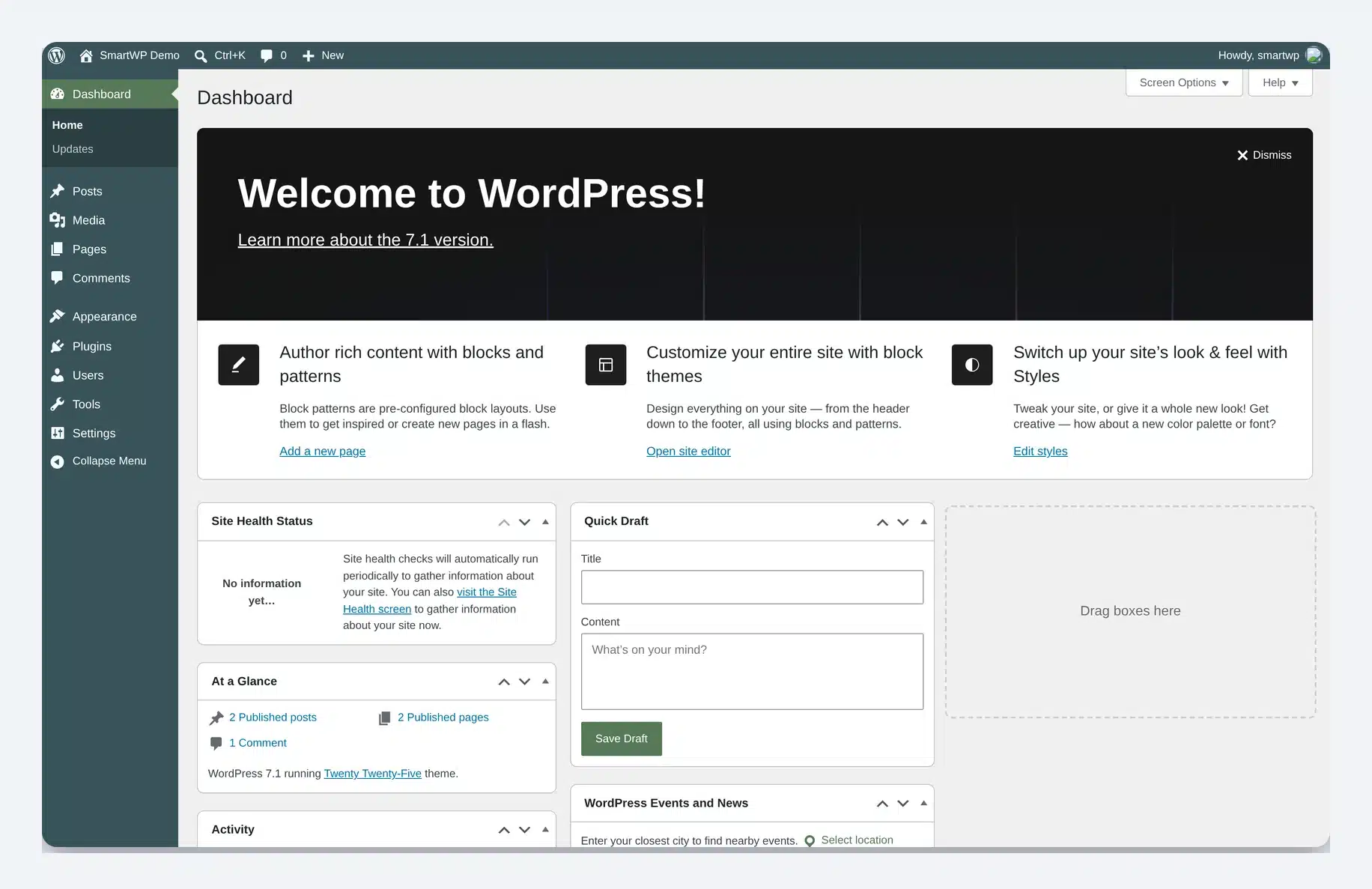
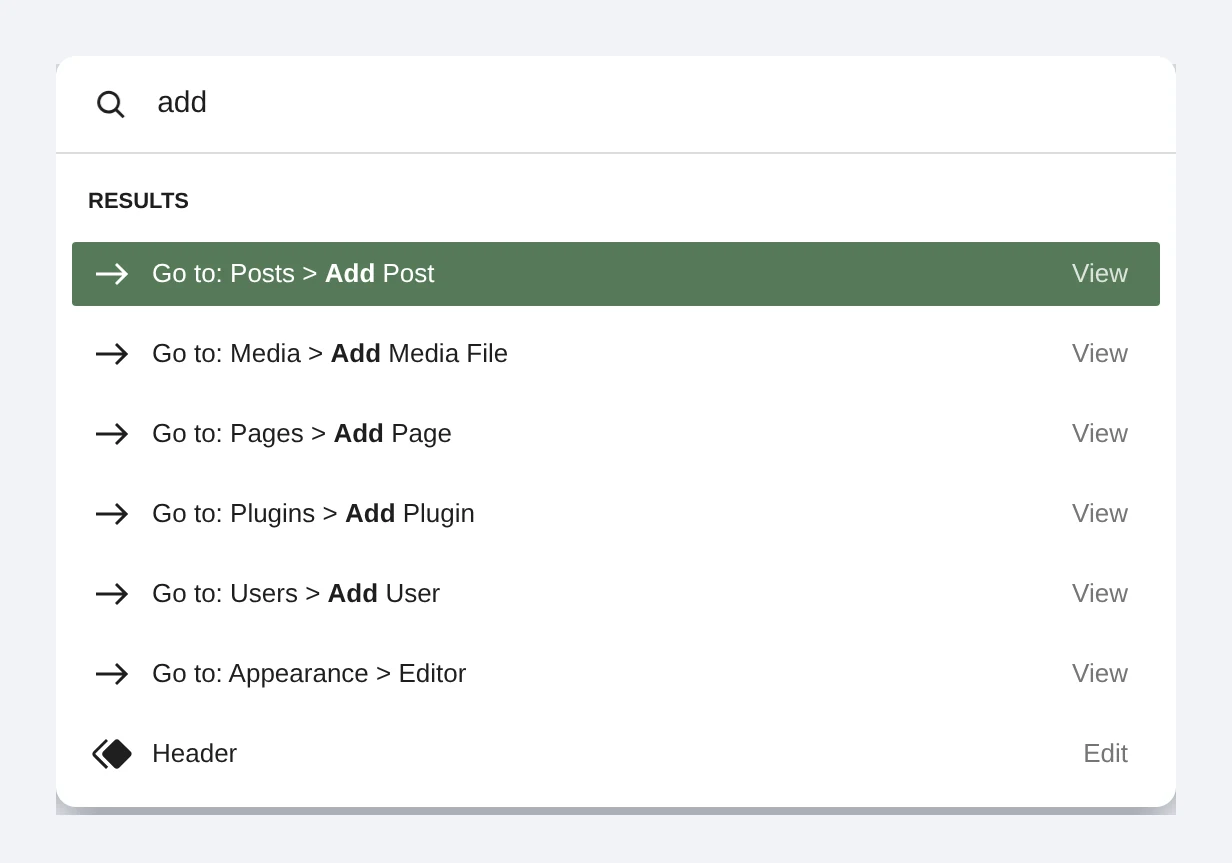
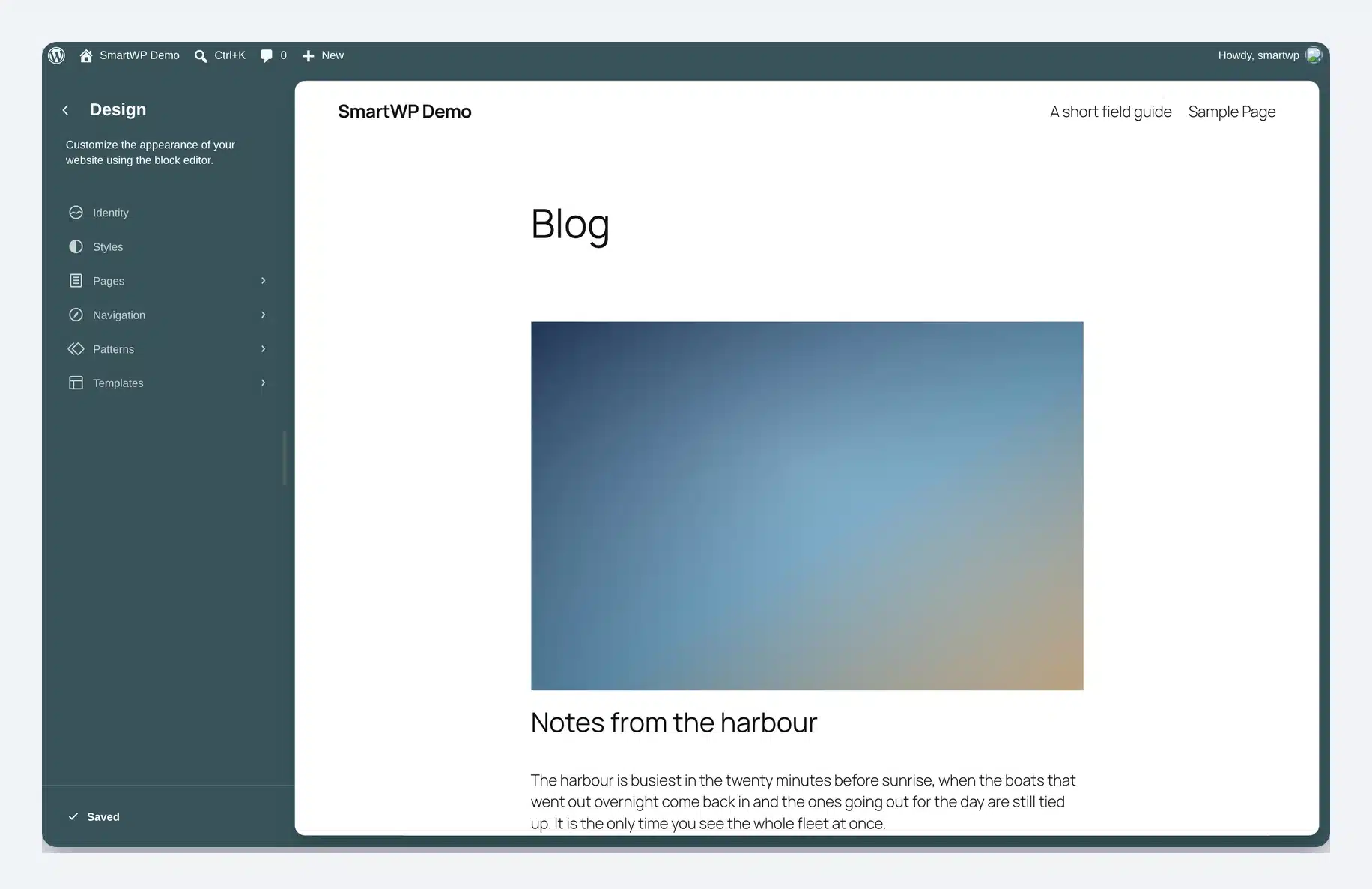
The admin bar now follows you into the Site Editor and Block Editor, which the team has been calling the omnibar. The command palette (Ctrl+K, or Cmd+K on Mac) groups results into Recent, matching, and Suggestions rather than one flat list, and remembers what you used recently. The Site Editor also finally respects your chosen admin color scheme instead of always rendering on a fixed dark background.
A few smaller additions are the sort of thing you notice daily. Site title, tagline, and icon move into a dedicated Identity section instead of being scattered. And in a fix that is overdue by roughly a decade, you can finally change a comment’s parent from the Edit Comment screen, so untangling a misthreaded comment no longer means editing the database by hand.
What Developers Need to Know
The change most likely to break something is the enforced iframed editor. The post editor now always runs inside an iframe, isolating the canvas from admin styles so viewport units and media queries measure the canvas rather than the browser window. Blocks still using Block API version 2 or lower need updating to version 3 to work correctly, and WordPress publishes a block migration guide for exactly this.
Beyond that, the Abilities API introduced in 7.0 gains better querying, filtering, and input validation. Block Bindings extend to List Item blocks. New functions let plugin and theme authors register custom icons for use throughout the editor, building on the Icon API that shipped in 7.0. The wordpress/theme package stabilizes with design tokens and a public React ThemeProvider. And the Connectors screen adds username and application password authentication alongside API keys, which is worth knowing if you use application passwords for integrations.
Two more items from the Field Guide are worth putting on your test list. jQuery UI moves to 1.14.2, which is the kind of dependency bump that breaks a plugin quietly rather than loudly, so anything of yours leaning on jQuery UI widgets deserves a look on staging. And 7.1 adds 20 new hooks (19 filters and one action), which is where to start if you have been waiting for a cleaner extension point than the workaround you are currently maintaining.
What Did Not Make It
The 7.1 roadmap listed more than the release ended up carrying, and it always warned that not everything on it would ship. With the feature freeze long past and the Field Guide published, these are now settled rather than uncertain.
One item is already settled, and in the opposite direction to what was announced. The Classic block was going to be hidden from the block inserter in 7.1, a change that was merged in late June. On July 7 it was reverted. The Classic block stays in the inserter exactly as it is today, the wp_classic_block_supports_inserter filter has been removed, the deprecation notice inside Classic blocks is gone, and the companion Enable Classic Block plugin is being closed as unnecessary. The stated reasoning was that the approach “had things largely backward” and that the Classic block “should become obsolete by choice, not by force.” If you still use the Classic block, nothing changes for you in 7.1 and no migration is required.
These are the items that were on the roadmap and did not make the release. They are not arriving in 7.1, though several remain live for a future version:
- Real-time collaboration, as covered above, with the scope decision still open.
- Table of Contents block, which was on the roadmap alongside Playlist and Tabs but is not in the beta feature list.
- Guidelines, a system for encoding editorial rules and brand voice for AI tooling. Discussion on the roadmap suggests it was being reworked into a broader concept before release.
- The React 19 upgrade, which the roadmap describes as landing in the Gutenberg plugin first with a path to Core later.
The Field Guide published on August 5 is now the authoritative list, superseding the Beta 1 announcement that served that role through July. Everything above reflects it. Since the feature freeze at Beta 1, the work has been bug fixes rather than new features.
Release Schedule and How to Test It
The cycle ran to plan. Betas from July 15 to July 29, release candidates from August 5, and an extra RC added mid-cycle, which made the schedule one step longer than originally published:
| Date | Milestone |
|---|---|
| July 15 | Beta 1 (feature freeze) |
| July 17 to July 29 | Beta 2, 3 and 4 |
| August 5 | Release Candidate 1, and the Field Guide |
| August 6 | Release Candidate 2, shipped alongside the 7.0.3 security release |
| August 12 | Release Candidate 3 |
| August 18 | Dry run and a 24-hour code freeze |
| August 19 | WordPress 7.1 final release |
The August 19 date never moved at any point in the cycle, which is worth noting given how often software dates slip. 7.1 was branched on August 10, so trunk has been open for 7.2 since before release.
Now that 7.1 is final, there is no beta channel to bother with. Most sites will be offered it under Dashboard → Updates. If you prefer the command line, WP-CLI will do it in one step:
wp core update
wp core update-db      # run this after, especially on multisite
Test on a staging site first if you maintain plugins or a heavily customised theme, particularly because of the iframed editor change. WordPress Playground will also spin up a throwaway 7.1 instance with nothing to install.
Should You Update Now?
Now that it is live, the honest answer for most sites is still to wait a week or two. Let plugin authors ship their 7.1-compatible releases, update a staging copy, then push to production. The exception is a brand-new site with few plugins, where there is no reason to start on 7.0.
Waiting does not mean sitting still, though. 7.0.4 shipped on August 12 and every earlier 7.0.x release is now flagged insecure on WordPress.org, so if you are holding off on 7.1 make sure you are at least on the latest 7.0 build rather than an older one.
Before you update anything, take a full backup you have actually tested restoring. If you are not sure what version you are on right now, our WordPress version checker will tell you in a couple of seconds.
Frequently Asked Questions
When was WordPress 7.1 released?
It was released on August 19, 2026, on the last day of WordCamp US 2026. It is the second major release of 2026, following 7.0 in May.
Does WordPress 7.1 include real-time collaboration?
It does not appear in the beta announcements. Real-time collaboration was removed from 7.0 shortly before release, and the 7.1 roadmap describes open decisions about scope and storage that are still unresolved. Notes received the collaboration investment in this cycle instead.
Will 7.1 break my site?
The most likely source of trouble is the enforced iframed editor, which affects blocks built on Block API version 2 or lower. If you run custom or older third-party blocks, test on staging before updating. Most sites running mainstream, actively maintained plugins will be fine. If an update does take the site down, the screen you get is the WordPress critical error, and recovery mode will usually get you back in without touching SFTP.
What is the WordPress 7.1 codename?
WordPress 7.1 is “Mary Lou”, after the pioneering jazz pianist, arranger and composer Mary Lou Williams. A child prodigy who was playing publicly at six, her work ran through swing, bebop and sacred jazz, and in the 1940s she turned her Harlem apartment into a nightly workshop where Thelonious Monk, Dizzy Gillespie and Bud Powell traded ideas and shaped bebop between them. WordPress names each major release after an artist who left a mark on music; 7.0 was “Armstrong”.
Wrapping Up
WordPress 7.1 is a less dramatic release than 7.0, and that is not a criticism. Where 7.0 introduced an AI framework and a redesigned dashboard, 7.1 mostly finishes things: responsive and hover styling that should have been editor controls years ago, media handling that copes with the formats phones actually produce, and a pile of small admin fixes that remove daily friction.
Updated on August 19, release day, once WordPress.org began serving 7.1 as the current version. Not sure what you are running? Our WordPress version checker will tell you in a couple of seconds. You can also see what shipped in WordPress 7.0 “Armstrong”, or browse the full WordPress version history from 0.7 to today.