How to Find a WordPress Plugin Conflict
To find a WordPress plugin conflict, reproduce the error, disable suspected plugins systematically, and retest after each change. Use a staging site or session-only

To find a WordPress plugin conflict, reproduce the error, disable suspected plugins systematically, and retest after each change. Use a staging site or session-only
Getting locked out of your own dashboard doesn’t mean your site is gone. A WordPress 403 error means a request was refused, usually because
The WordPress critical error means a PHP fatal stopped the request. Recovery mode is the fastest way back in, but loading your homepage will never trigger it. Here is what the message actually tells you.
Five reliable ways to back up a WordPress site: host-provided backups, a backup plugin like UpdraftPlus, a manual backup through cPanel, FTP/SFTP, or WP-CLI. This guide covers what a backup includes, how often to run one, all five methods step by step, the 3-2-1 storage rule, and how to restore.
A WordPress staging site is a private copy of your live site for testing plugin updates, theme changes, and risky edits before they hit production. This guide walks through 4 ways to set one up (host-provided, plugin, local, manual subdomain) with trade-offs and the gotchas that bite first-timers.
WordPress shows a blank white page with no error message? That’s the White Screen of Death. Here are 6 fixes in order of likelihood, including the WordPress 5.2+ Recovery Mode that handles most of them automatically.
A panic-mode WordPress site shows just “Error establishing a database connection” and nothing else. Here are the 7 fixes that resolve it, in order of likelihood.
Enable WordPress debug mode the production-safe way. Covers all five debug constants, Query Monitor, the WP_ENVIRONMENT_TYPE pattern, Recovery Mode in WordPress 5.2+, WP-CLI debug commands, how to read the debug log, and how to log your own messages.
Turn off WordPress comments completely. Six methods covering the Settings UI, single-post toggles, bulk edit, WP-CLI for hundreds of posts, a functions.php snippet, and the Disable Comments plugin, plus how to remove the leftover comments menu and admin remnants.
Autoblogging is the process of automatically creating WordPress posts from external inputs like RSS feeds, AI topic generation, keyword lists, or structured sources like
If you manage more than one WordPress site, clicking around the dashboard for every update gets old fast. That is where WP-CLI commands come
To check which PHP version your WordPress site runs, go to Tools > Site Health in the dashboard, open the Info tab, and expand
Removing the “Proudly powered by WordPress” line from your site’s footer takes about 30 seconds on a modern block theme and a few more
Migrating from WordPress.com to WordPress.org takes about an hour and four core steps: export your WordPress.com content as an XML file, set up self-hosted
Bots constantly hammer the default WordPress login page, working through username and password combinations. This adds load to your server and, if a weak
Planning on leaving Squarespace for WordPress? Here’s how to migrate all of your Squarespace content to a self-hosted WordPress site. Squarespace can be great
Whether it’s for migrations or backup there are plenty of reasons to export WordPress menus. Additionally if you use a staging environment and want
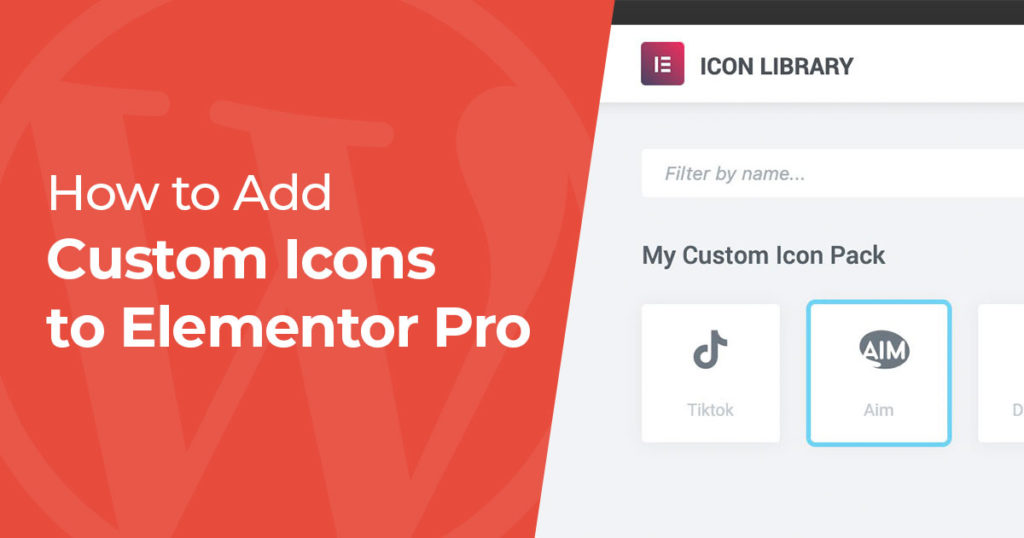
By default, Elementor gives you the Font Awesome icon library, which covers a lot but still leaves gaps. The TikTok logo isn’t included, for
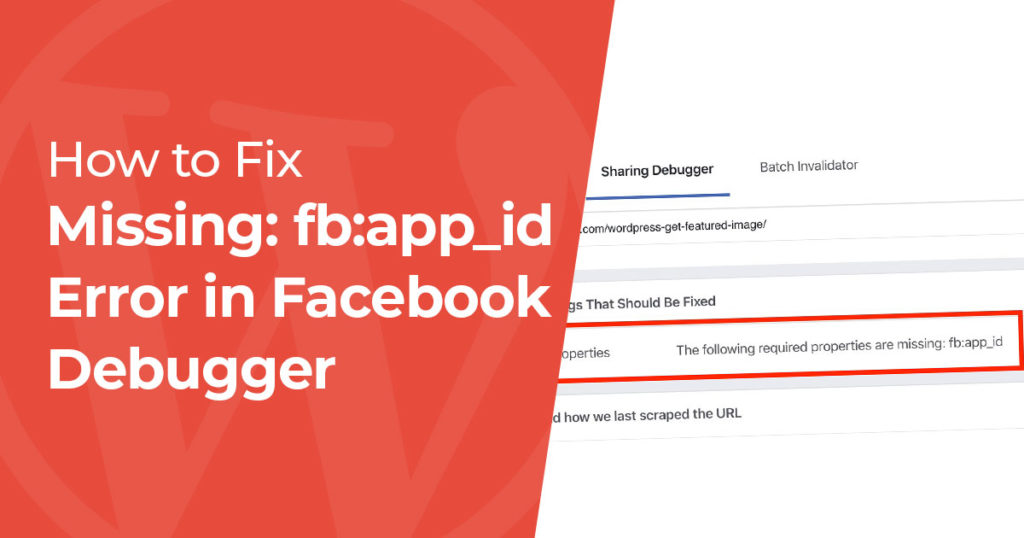
If the Facebook Sharing Debugger tells you “The following required properties are missing: fb:app_id,” you can ignore it. Despite the wording, nothing is broken
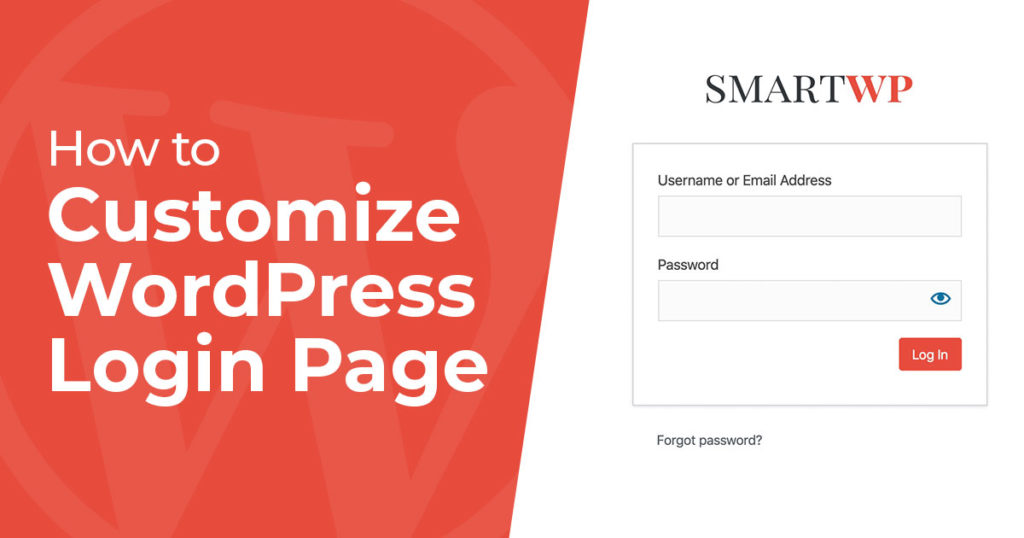
The fastest way to customize your WordPress login page is with a plugin like Login Customizer by Colorlib (drag-and-drop, no code). If you’d rather
The fastest way to add custom CSS to WordPress depends on which kind of theme you’re running. On a block theme (Twenty Twenty-Four, Twenty
To install a WordPress plugin, go to Plugins > Add Plugin in your dashboard, search for the plugin, click Install Now, then click Activate.
To clone a WordPress site, create a backup of its files and database with the free Duplicator plugin, upload the two files it gives
WordPress won’t let you change usernames in the admin panel. Here are 3 methods that work, from beginner-friendly to advanced.
