How to Disable the New User Registration Email in WordPress
To stop WordPress emailing you every time someone registers, add one line of code: add_filter( ‘wp_send_new_user_notification_to_admin’, ‘__return_false’ ); The filter has been part of

To stop WordPress emailing you every time someone registers, add one line of code: add_filter( ‘wp_send_new_user_notification_to_admin’, ‘__return_false’ ); The filter has been part of
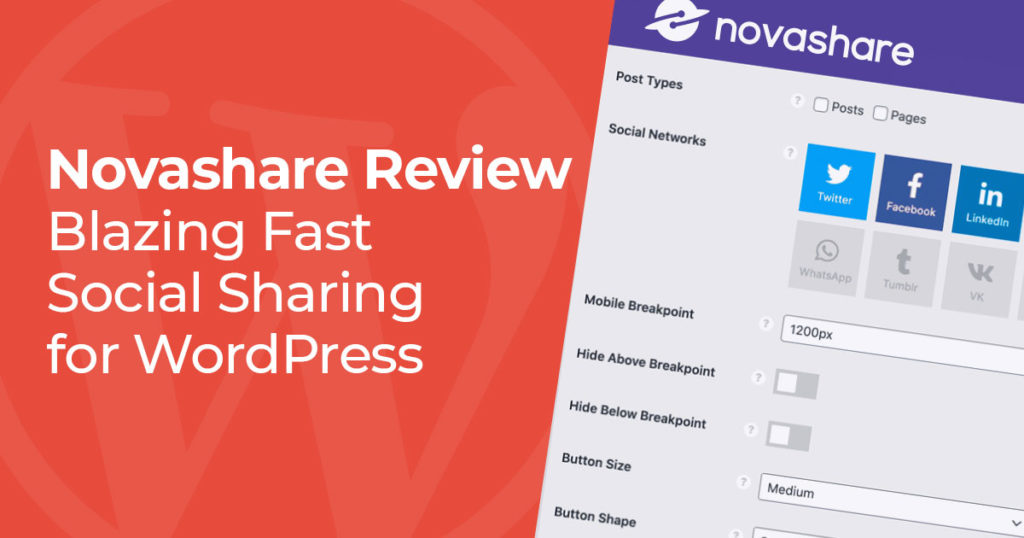
There are a massive amount of plugins that will add social share icons to your WordPress site. With popular plugins in the space like
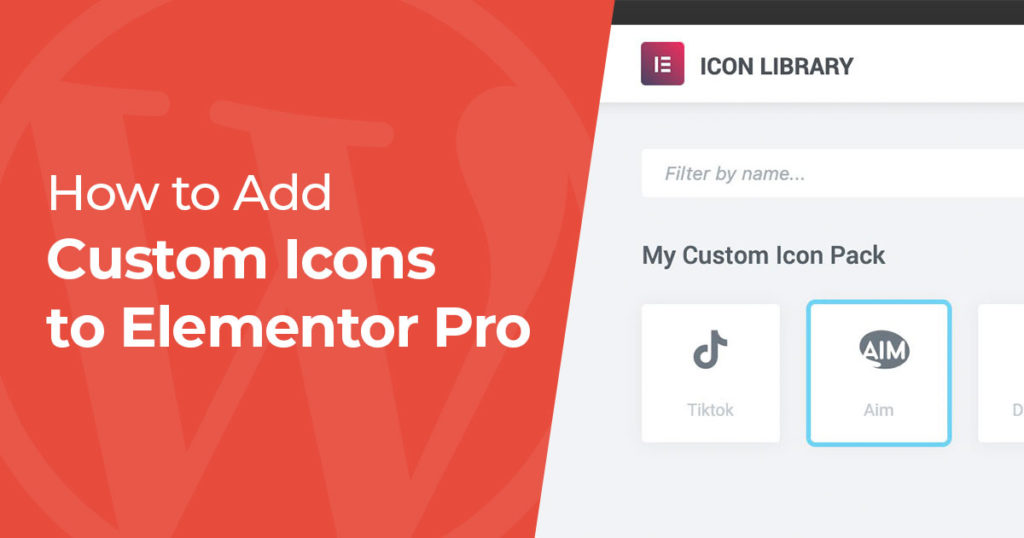
By default, Elementor gives you the Font Awesome icon library, which covers a lot but still leaves gaps. The TikTok logo isn’t included, for
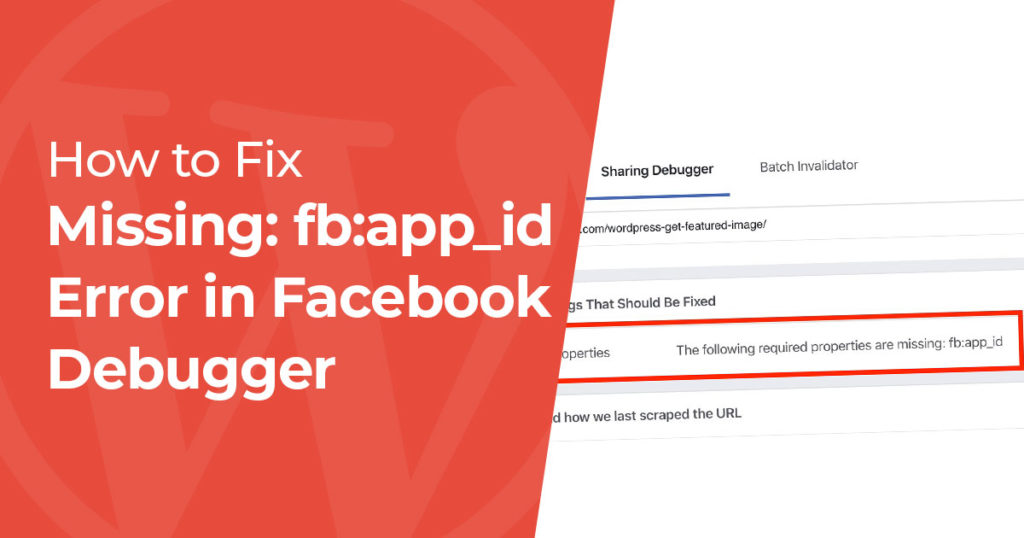
If the Facebook Sharing Debugger tells you “The following required properties are missing: fb:app_id,” you can ignore it. Despite the wording, nothing is broken
WordPress’s flexibility is its biggest strength: drop the right 5 lines of PHP into the right place and you can change how the site

To get the featured image of a WordPress post with PHP, use one of three core functions depending on what you need. If you
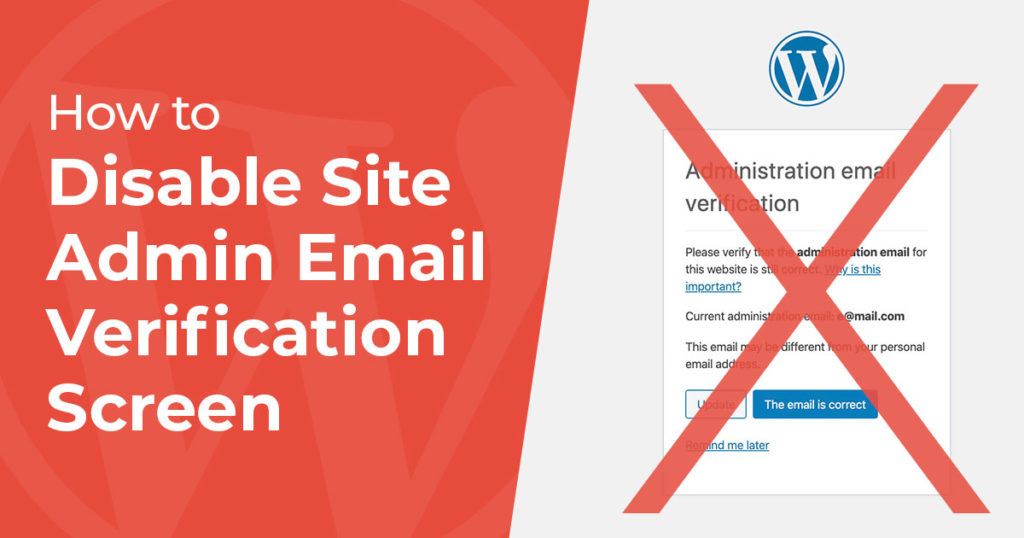
If you keep logging into WordPress and keep seeing the “Admin Email Verification” screen you know it can get quite annoying. This message was
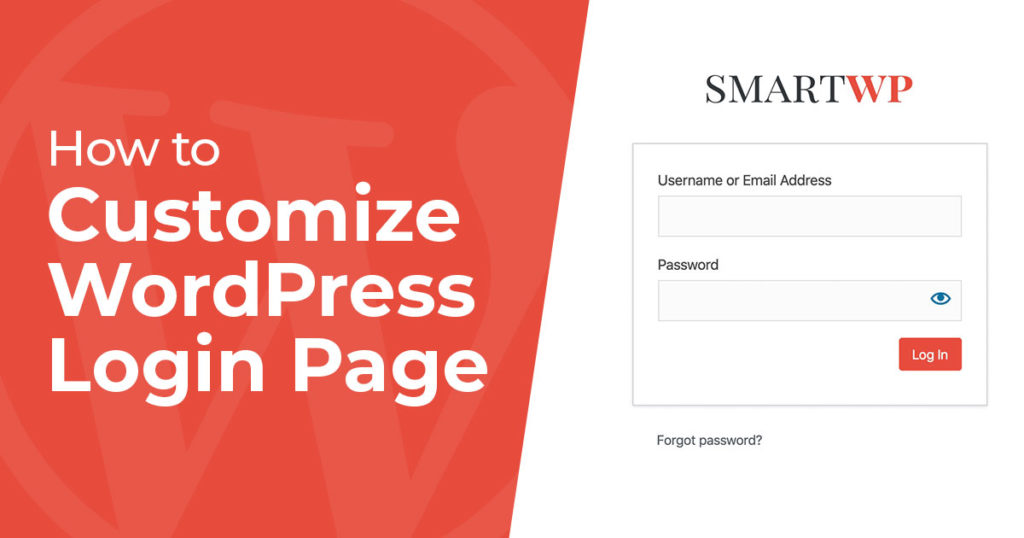
The fastest way to customize your WordPress login page is with a plugin like Login Customizer by Colorlib (drag-and-drop, no code). If you’d rather
WordPress user roles control what each user on your site is allowed to do. There are six default roles, Subscriber, Contributor, Author, Editor, Administrator,
The fastest way to add custom CSS to WordPress depends on which kind of theme you’re running. On a block theme (Twenty Twenty-Four, Twenty
Whether your theme shows the newest comments on top or the oldest, you may want to change the order of comments in WordPress. Seeing
If a speed test told you to remove query strings from static resources, here is the answer as of September 2026: do not. The
The fastest way to get a WordPress user’s ID is to open their profile in the admin (Users → All Users → Edit) and
To install a WordPress plugin, go to Plugins > Add Plugin in your dashboard, search for the plugin, click Install Now, then click Activate.
To clone a WordPress site, create a backup of its files and database with the free Duplicator plugin, upload the two files it gives
Want to check if a shortcode already exists in WordPress? Ever since the launch of WordPress 3.6 in 2013 you can easily check to
According to various studies to determine the best content management system (CMS), the research has shown that WordPress is among the top-rated and most
WordPress won’t let you change usernames in the admin panel. Here are 3 methods that work, from beginner-friendly to advanced.
To remove the Gutenberg block library CSS, dequeue the wp-block-library style on the wp_enqueue_scripts hook with a priority above 10, and add wp-block-library-theme and
To check if a user is logged in to WordPress, use the built-in is_user_logged_in() function. It returns true for logged-in visitors and false for
The fastest way to check your WordPress version is to log into your site’s admin dashboard. The version number appears in the “At a
Your WordPress site can quickly get cluttered with unused or even outdated themes. When you’re searching for the right WordPress theme, you typically install
To make a WordPress menu link nofollow, go to Appearance > Menus, open Screen Options, tick Link Relationship (XFN), then type nofollow in that
If you’re looking to speed up your site as fast as possible you may have noticed the wp-emoji-release.min.js file loading on all of your
